
Export to Figma
Export any website to Figma as editable layers.
Screenshots
 Figma
Figma Next.js
 Claude AI
 Tailwindcss
 Vercel
 Chrome
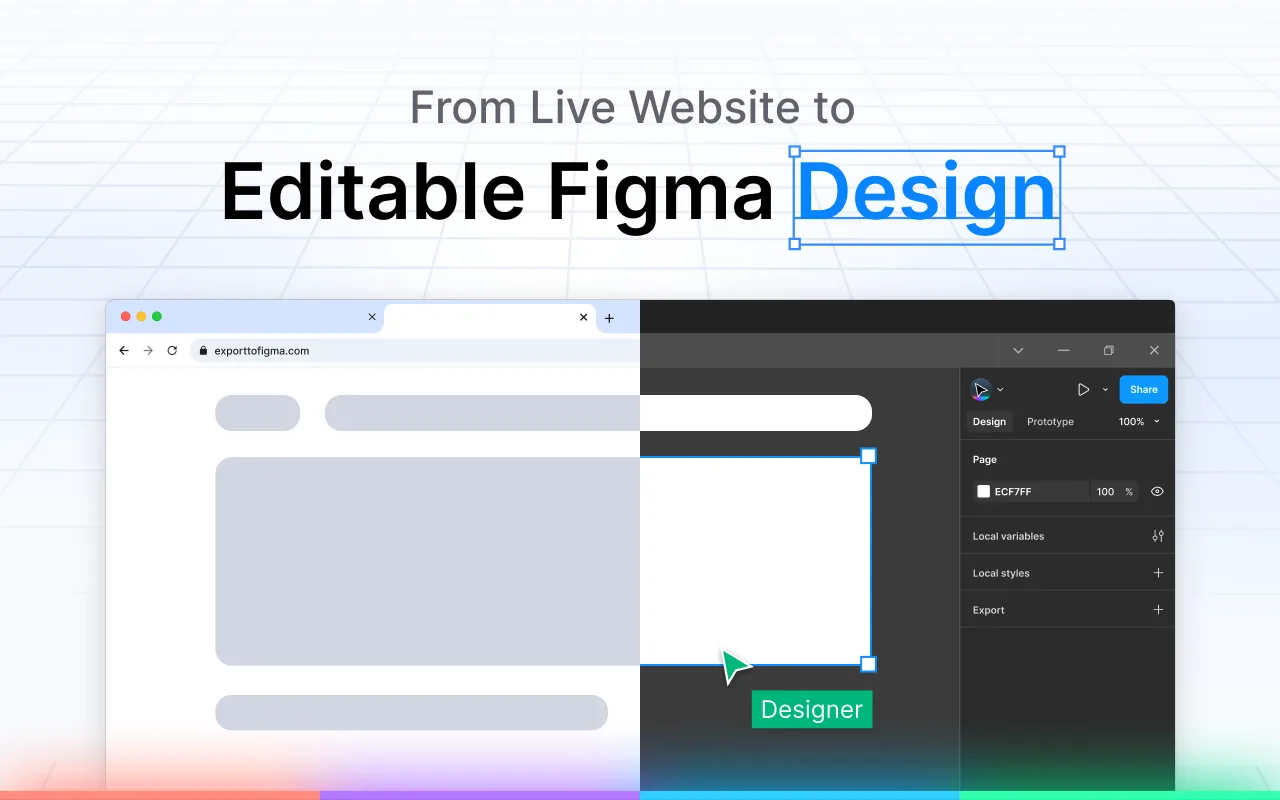
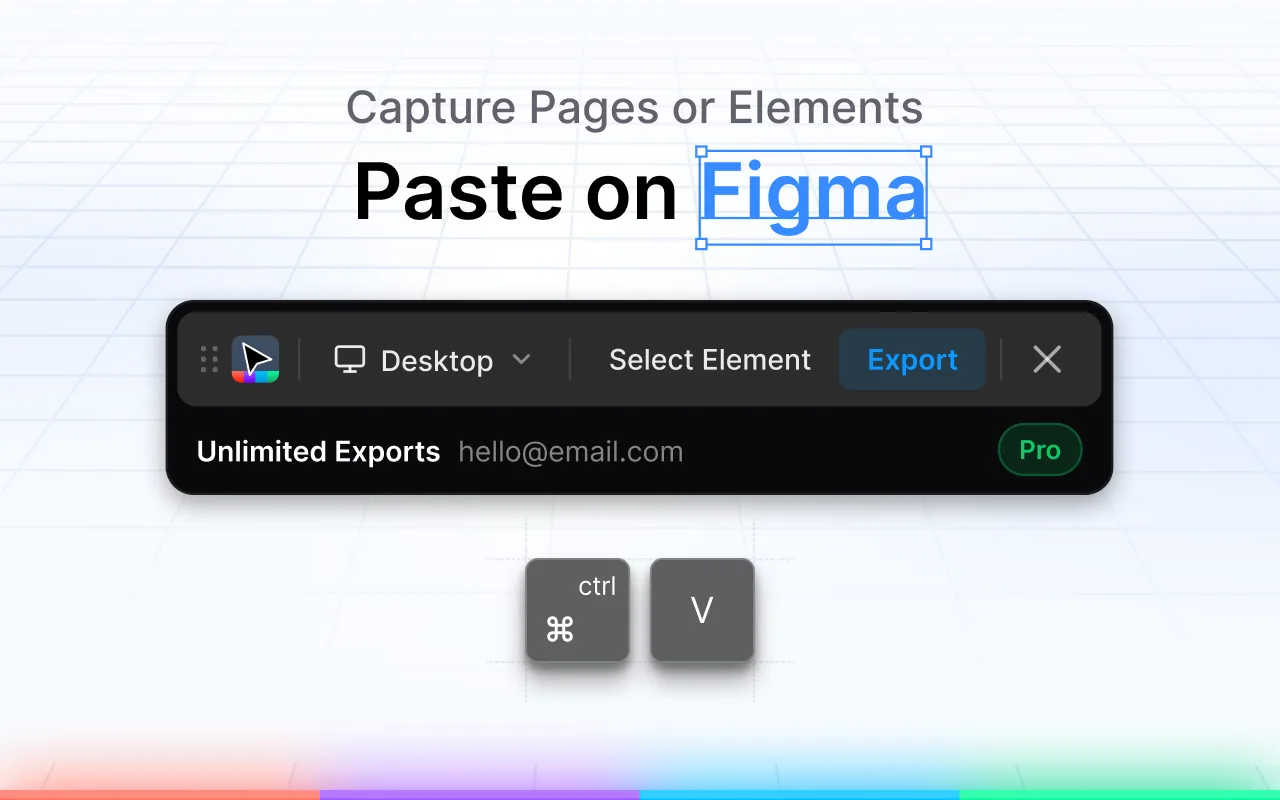
Export to Figma is a Chrome extension that captures any website and pastes it directly into Figma as fully editable layers. No more screenshots or manual rebuilding. Every element - fonts, colors, spacing, structure - lands exactly as it appears on-screen.
Key Features:
- One-Click Capture: Capture any element with perfect accuracy.
- Export to Figma: Paste directly into Figma with all styles preserved.
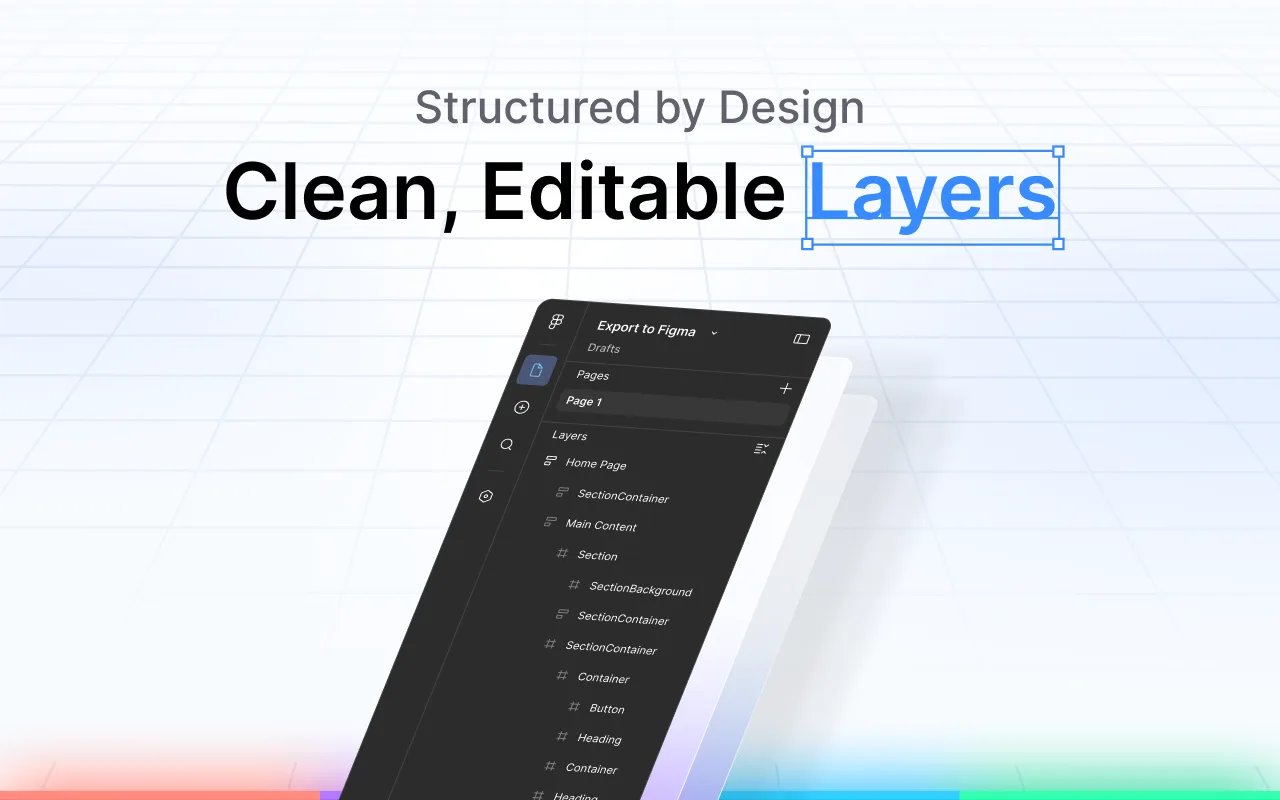
- Layer Structure: Maintains proper layer hierarchy.
- Style Preservation: Colors, fonts, and shadows captured with precision.
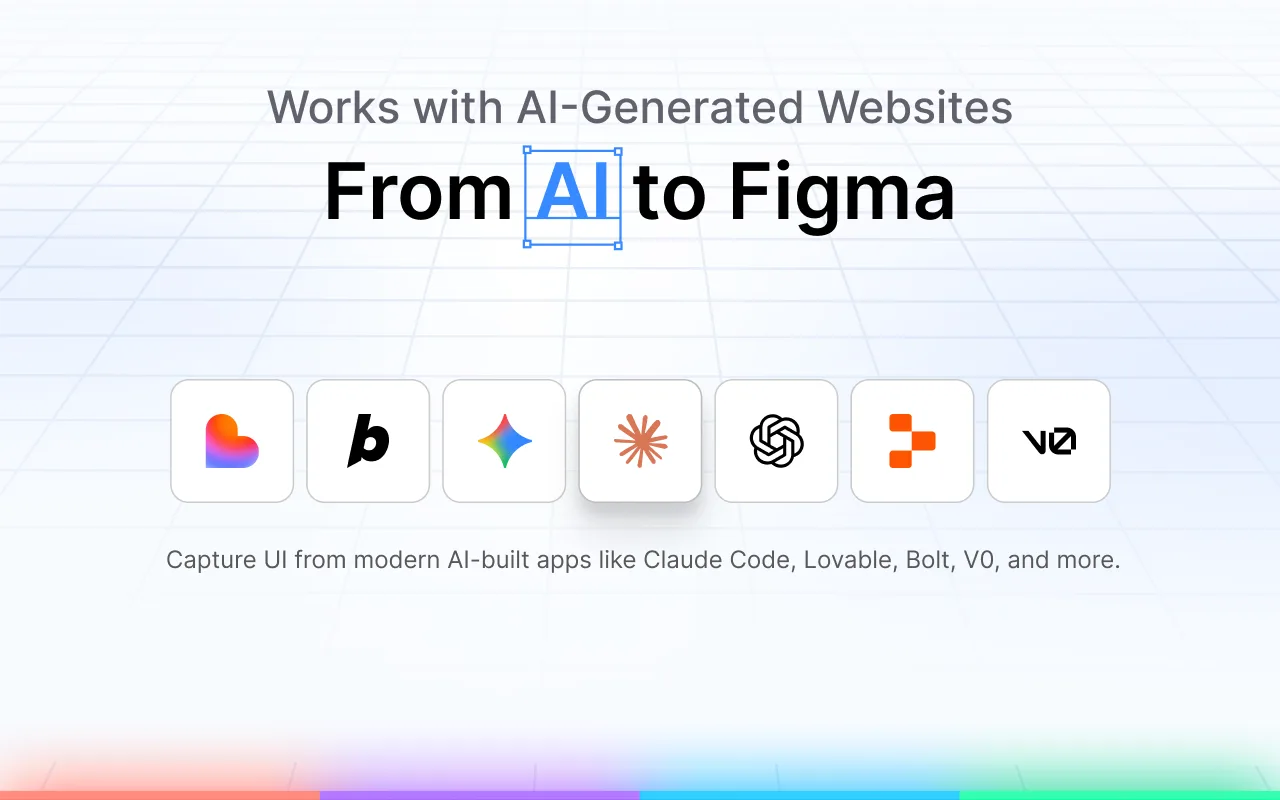
It works with AI-built websites (Claude Code, Lovable, Bolt, Vercel, etc.). Designed for fast, modern design workflows for UI Designers, Developers, Product Teams, and Freelancers.
Related products
View all
JF Studio - Browser Extensions Development
Crafting premium browser extensions

Clear Mail for Gmail
Privacy-first email cleaning app, no OAuth required

Simple QR Code Generator
Easily generate beautiful, customisable QR codes instantly

Design Index
Collection of the best design resources on the internet


More categories
All categories


Launched in Week 21, 2026
See the week
SubmitWell
We Do the Submitting. You Do the Scaling.

U2L
Shorten URLs, create QR codes, and build bio pages.