
VSkim - Custom Video Skipping for YouTube
Skip user-defined segments on YouTube
Screenshots
Free Trial
Chrome Extension
Productivity
Utility
Built with Clerk
 Supabase
 Chrome
 Node.js
ClerkSupabaseChromeNode.js🎉 FREE for now with code: XFRNO
What is VSkim?
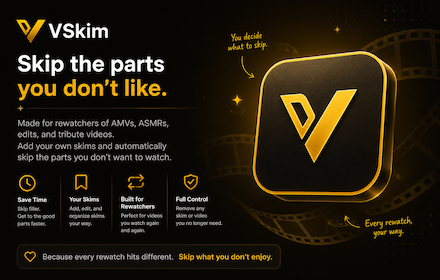
VSkim is a browser extension designed to strip out unnecessary video segments on YouTube. Modern online videos frequently feature sponsored sections, repetitive intros, subscription reminders, and off-topic tangents that take up substantial viewing time. VSkim resolves this by allowing users to bypass these interruptions automatically during playback.
Unlike tools that rely on crowdsourced markers or community databases, VSkim gives individual users complete authority over what gets skipped. Viewers establish their own skip points, ensuring that content is trimmed strictly according to personal preferences rather than third-party opinions.
Who is it for?
VSkim is built for active video consumers who want to save time while watching online content.
- Heavy YouTube viewers looking to eliminate repetitive video intros and recurring promotional segments.
- Students and researchers reviewing educational lectures or tutorials without wanting to re-watch non-essential banter.
- Professionals using YouTube for skill building who want direct access to the core content.
- Users who prefer tailored skip boundaries rather than generic community submissions.
Key features
- Custom Segment Skipping: Mark any specific video part you want bypassed, allowing VSkim to jump over it automatically on future plays.
- User-Controlled Skip Points: Operates entirely without generic crowdsourcing so you decide what constitutes filler rather than relying on external submissions.
- Native Interface Integration: Embeds control components directly into the standard YouTube interface for straightforward configuration while watching.
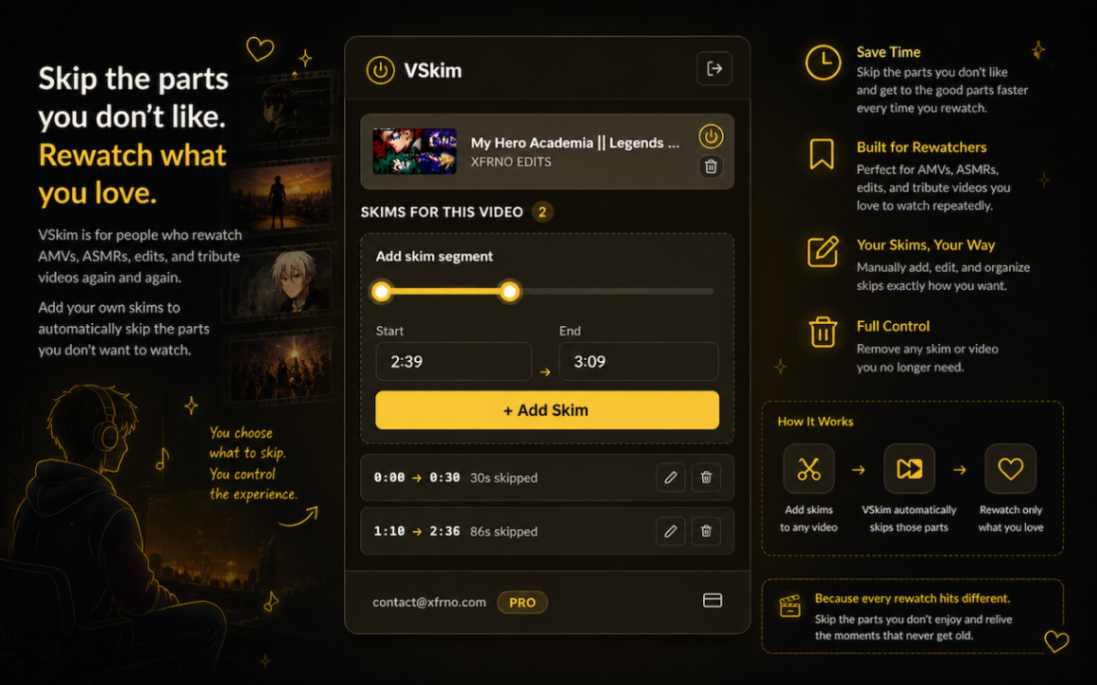
- Precise Timing Controls: Set exact start and end timestamps to skip promotional mentions, intros, or outros down to the second.
- Cross-Browser Synchronization: Syncs your saved video markers across multiple browsers using your registered account.
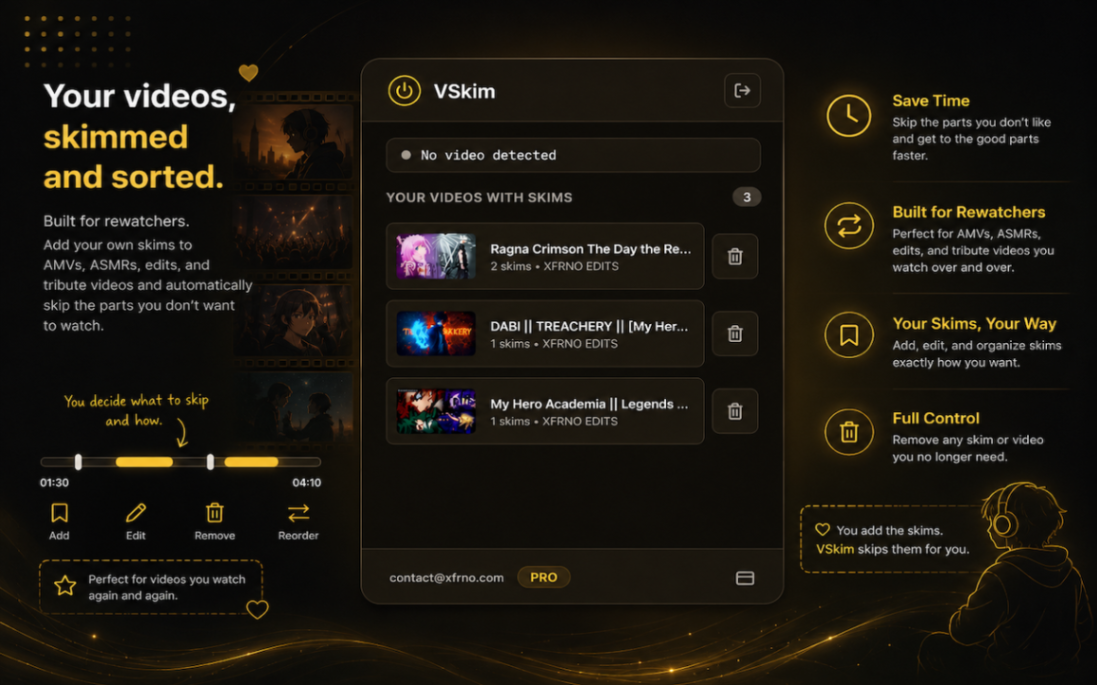
- Saved Videos Library: Access a consolidated list to manage, track, and edit every video where you have established custom skip points.
How it works
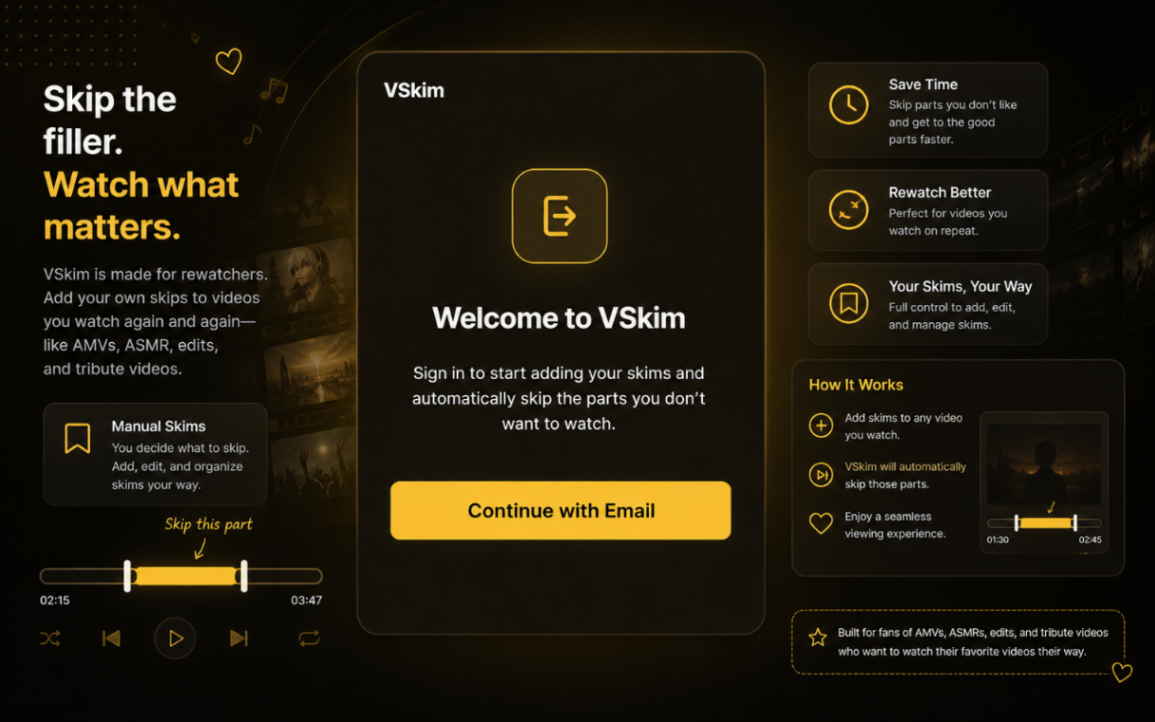
- Install the VSkim extension from the Chrome Web Store and sign in using your account email.
- Open any YouTube video and use the embedded timing tools to define the start and end points of a segment you want to omit.
- Watch the video as VSkim automatically jumps over your specified segment markers during playback and saves the rules to your profile.
Use cases
A user who regularly re-watches instructional programming tutorials can mark introductory channel announcements and sponsored segments once, allowing every future playback to jump immediately into the coding demonstration.
A viewer following daily news summaries or talk shows can flag extended conversational tangents and promotional merchandise plugs, cutting typical viewing duration and getting straight to the reporting.
Pricing
VSkim offers a Pro plan priced at $2.00 per month, which includes unlimited custom skip points, automated skipping of marked segments, cross-browser syncing, and ongoing software updates. Users can access the service for free using the promotional code XFRNO during checkout.
Alternatives
VSkim serves as an alternative to tools like SponsorBlock. While SponsorBlock relies on shared public databases and community-voted timestamps to skip video sections, VSkim focuses on private, user-defined skip points so you have full manual control over which segments are bypassed.
FAQ
How does VSkim skip fillers and video segments?
VSkim only skips segments that you manually configure. It does not use pre-configured skip points or generic community databases, giving you direct control to mark and bypass self-promotions, intros, or filler on any video.
How much does VSkim cost?
VSkim Pro costs $2.00 per month. You can also gain full access for free using the coupon code XFRNO at checkout.
Does VSkim track my browsing history?
No. VSkim only saves the specific video IDs and custom timestamps that you manually create. It does not track your general browsing history, other browser tabs, or unrelated web activity.
How do I activate VSkim Pro?
After signing up, click the VSkim extension icon in your toolbar, choose the login option, and enter the email address used during purchase. Using code XFRNO lets you activate it for free.
Loading...
Related products
View all
iSkitch
iSkitch is a modern, native macOS take on the classic Skitch
0
Screenshot, Productivity, Note Taking
0
Screenshot, Productivity, Note Taking

Elasticnote
Local-first Markdown notes, tasks, LaTeX, and research works
0
Note Taking, Productivity, Knowledge Base
0
Note Taking, Productivity, Knowledge Base

Mind Refactory
Self-directed mental processing framework for engineers
4
Mental Health, Productivity, Personalization
4
Mental Health, Productivity, Personalization

Walyro
Set live video wallpapers on your Mac
3
Desktop App, Personalization, Utility
3
Desktop App, Personalization, Utility


More categories
All categories



Launched in Week 41, 2026
See the week





 Prev
 Next