
LocalEditor
Local file editor for notes, sketches, and coding files
Screenshots
Free Trial
Note Taking
Developer Platform
DevTool
Built with Tauri
 Rust
 React
 Cloudflare
TauriT
TypeScriptm
macOSRustReactCloudflareWhat is LocalEditor?
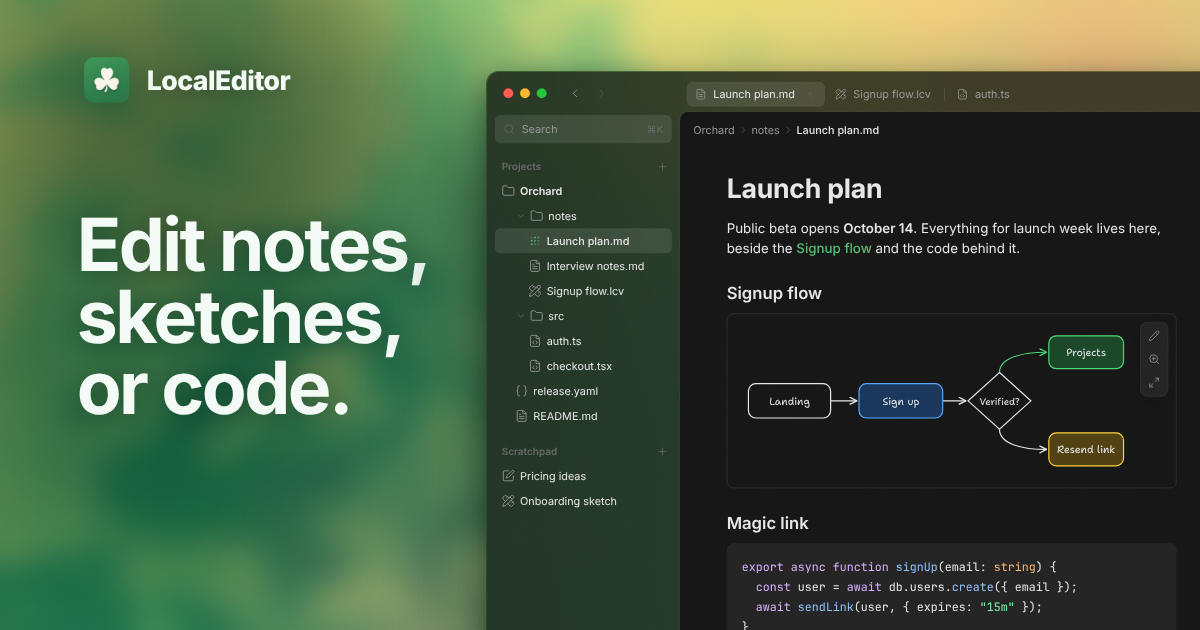
LocalEditor is a native macOS application designed as a local-first workspace for notes, diagrams, and programming files. Rather than importing documents into a closed database or proprietary cloud ecosystem, the app operates directly on existing folders on your Mac. It bridges the gap between text editors and AI agent workflows, allowing people and automated tools to collaborate on the exact same directory without file locking issues.
The software addresses the friction of monitoring and reviewing files generated by terminal-based coding agents and local scripts. Instead of switching to a heavy integrated development environment just to glance at a Markdown document or verify an updated configuration file, users get specialized views that render content cleanly while preserving the exact raw files underneath. Disk updates reflect in real time as background processes alter them.
What sets LocalEditor apart is its strict offline approach paired with Model Context Protocol (MCP) support. It never operates a cloud sync service, meaning third-party tools or local version control systems manage storage entirely. AI assistants can be granted controlled, scoped access to read and write project documents through its built-in helper without ever compromising hidden files or secret keys.
Who is it for?
LocalEditor is intended for Mac users who want a lightweight, distraction-free environment to view and shape documents alongside automated development workflows.
- Software engineers using CLI agents like Claude Code, Codex, or Cursor who need a dedicated place to review file outputs.
- Technical writers and developers who manage documentation in plain Markdown with wikilinks and slash commands.
- Founders and product builders sketching early system architecture, interface wireframes, and logic flows.
- Privacy-conscious users who reject proprietary cloud notes and prefer managing plain files across standard directories.
Key features
- Direct folder access: Opens standard directories and standalone files straight from Finder without copying, converting, or importing them into a separate library.
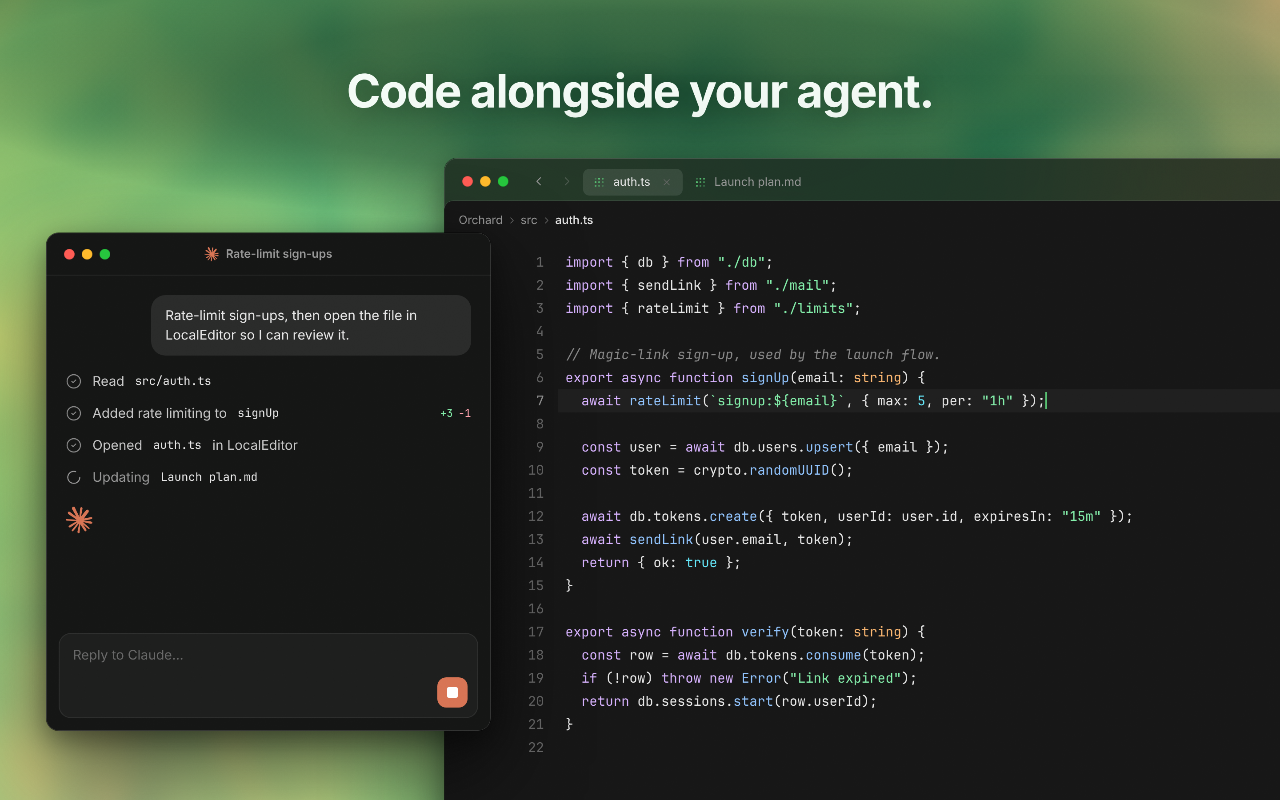
- Model Context Protocol (MCP) server: Connects local coding agents directly to your workspace, giving tools permission to read, create, and update project files within defined local scopes.
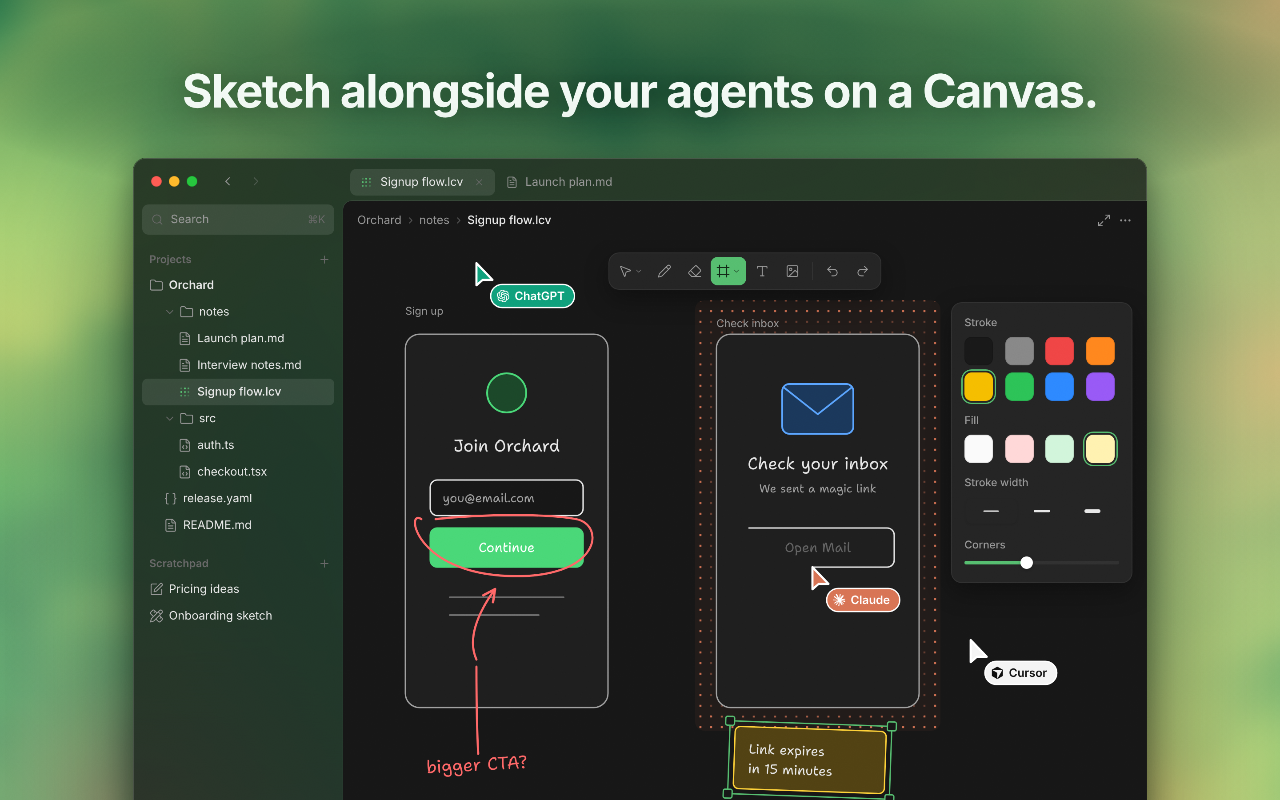
- Visual Canvas: Provides a freehand drawing and diagramming board with shapes, curved connecting lines, smoothing tools, and multiple export formats like SVG, PDF, PNG, and JPEG.
- Universal Scratchpad: Summons a quick capture note or canvas from any screen using customizable system shortcuts so ideas can be noted and later dragged into active agent prompts.
- Specialized data views: Parses structured files like YAML, JSON, .env, and .gitignore into structured forms while preserving source syntax, and renders interactive HTML files locally without running a web server.
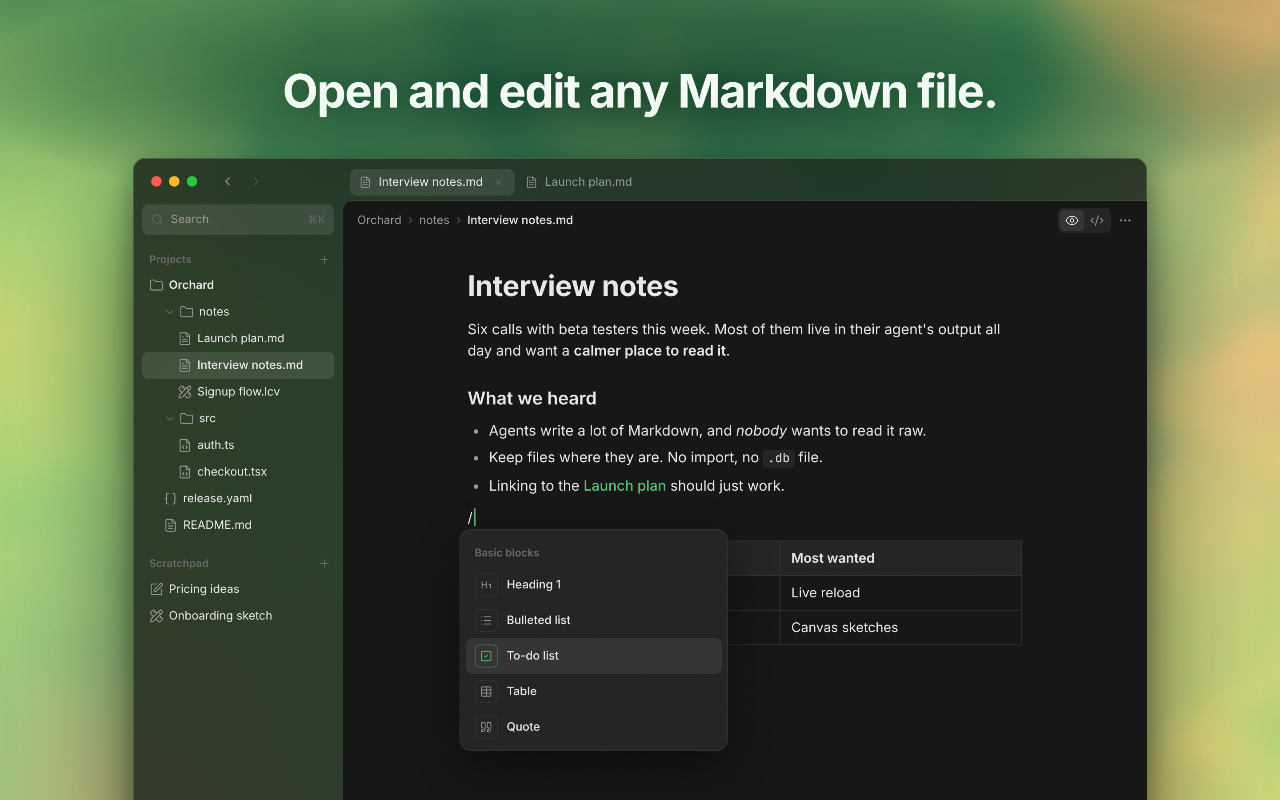
- Rich Markdown editor: Renders CommonMark and GitHub Flavored Markdown inline with support for slash commands, checklists, tables, and nested wikilinks.
- Live file synchronization: Automatically updates open documents on screen the second an outside agent or command-line program alters them on your drive.
- Finder Quick Look integration: Allows users to tap the spacebar in macOS Finder to preview notes, data files, and custom canvas sketches rendered in full fidelity.
Pricing
LocalEditor offers a 14-day free trial with no payment required upfront. Permanent access is sold as a one-time purchase with lifetime updates and support for two transferable Macs. Planned pricing tiers include a $15 Founding offer, a $25 Early bird tier for 20 licenses, and a $35 Standard regular price, with custom options for students and teams.
Alternatives
Compared to Obsidian, LocalEditor is built specifically around developer workflows and external coding agents, featuring built-in MCP integration and specialized config file editors alongside note taking.
Compared to heavy development environments like Cursor or VS Code, LocalEditor operates as a lightweight document viewer and sketch board for reviewing agent output without managing extensive extensions and language servers.
FAQ
Where are my files stored?
Files remain exactly where they are on your drive. The app opens your chosen folders without importing, converting, or moving your data, leaving you in complete control of your storage.
Does LocalEditor sync through the cloud?
No. LocalEditor deliberately does not offer built-in cloud sync. You can use any sync system you already manage, such as Git, iCloud Drive, Syncthing, or Dropbox.
Loading...
Related products
View all
iSkitch
iSkitch is a modern, native macOS take on the classic Skitch
0
Screenshot, Productivity, Note Taking
0
Screenshot, Productivity, Note Taking

Elasticnote
Local-first Markdown notes, tasks, LaTeX, and research works
0
Note Taking, Productivity, Knowledge Base
0
Note Taking, Productivity, Knowledge Base

OneKitly
1,800+ free online calculators, converters and tools
0
Productivity, DevTool, SEO Tools
0
Productivity, DevTool, SEO Tools

PasteSheet
Turn any Google Sheet into a live REST API and MCP server in
0
Developer Platform
0
Developer Platform


More categories
All categories





Launched in Week 46, 2026
See the weekTapMap
A social network built on maps: where to go and with whom
2
Social Networking, Travel, Map
2
Social Networking, Travel, Map

Video Object Remover
Remove unwanted objects from videos with AI
0
Generative AI, Video Editing, AI Video
0
Generative AI, Video Editing, AI Video


Toolblip
Free online developer tools — JSON, Base64, QR, word counter
0
DevTool, SEO Tools, Utility
0
DevTool, SEO Tools, Utility

 Prev
 Next