Local Music Organizer
Organize, repair and analyze your local Mac music library
Screenshots
Video Demo
Paid
Music
File Management
Built with Swift
 Sqlite
SwiftS
SwiftUISqliteF
FFmpegLocal Music Organizer is a comprehensive native macOS application for people who maintain large local music collections in Apple's Music.app. Built by an independent developer and long-time music collector, it combines diagnostics, metadata maintenance, analysis, and conversion for Music.app libraries and standalone audio.
LIBRARY INDEX AND OVERVIEW
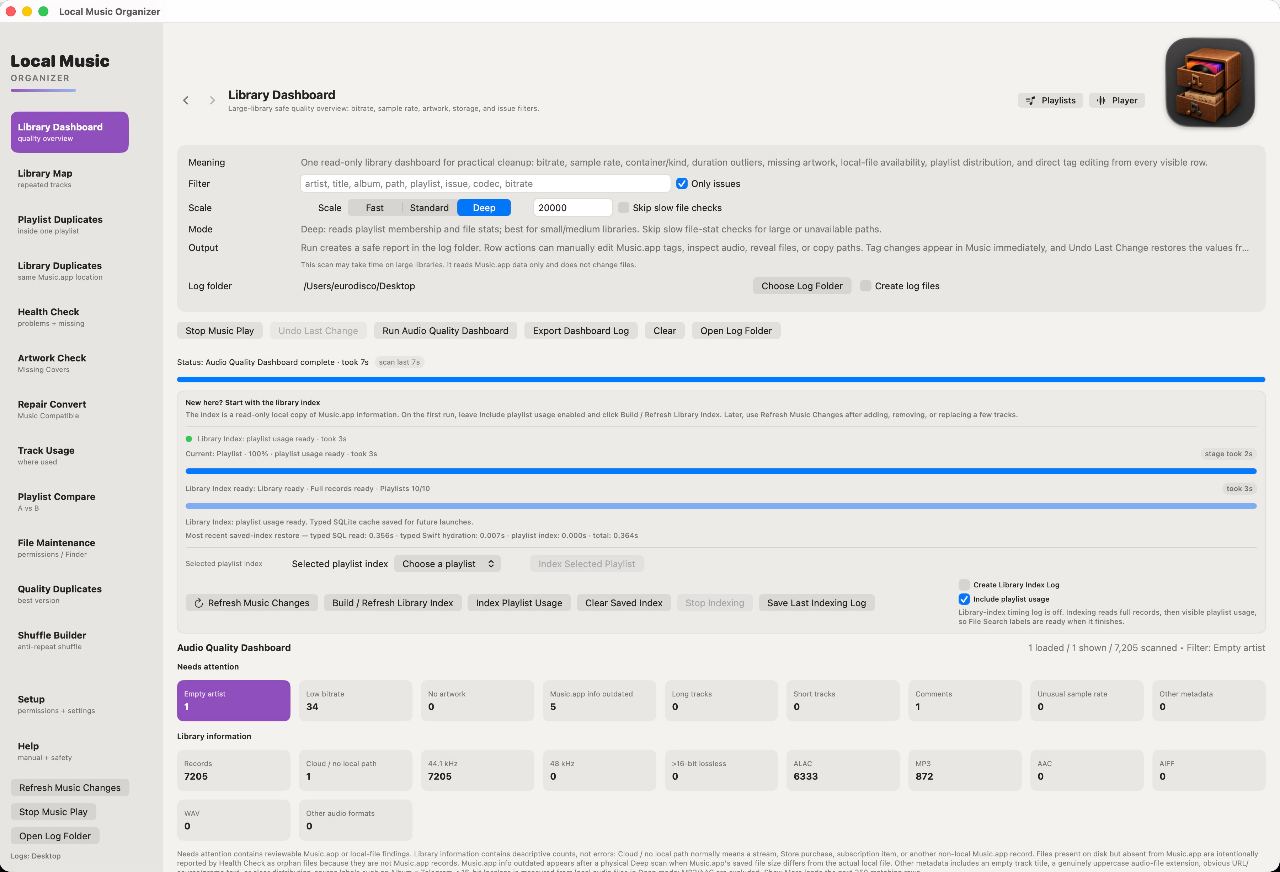
A persistent SQLite index keeps large libraries practical to explore. The Library Dashboard summarizes audio formats, sample rates, bitrates, missing artwork, metadata anomalies, and other records worth reviewing. Library Map shows track locations. Track Usage identifies where recordings are used in playlists. Playlist Compare examines differences between playlists; File Search searches authorized folders.
DUPLICATES AND ALBUM COMPLETENESS
Playlist Duplicates finds repeated entries; Library Duplicates reviews records referring to the same Music.app location and their playlist usage. Quality Duplicates finds same-song candidates backed by different physical audio files, so you can review alternate versions instead of assuming identical titles mean identical recordings. Album completeness checks help reveal potentially missing tracks after importing or ripping albums. Duplicate cleanup requires explicit review.
HEALTH CHECK AND ARTWORK
Health Check diagnoses missing Music.app links, inaccessible files, path discrepancies, orphaned physical audio, and related library inconsistencies. It helps investigate moved files and broken references without automatically repairing them. Artwork Check checks artwork associated with Music.app records and embedded audio files, helping identify missing covers without downloading or changing artwork during the scan. A fast indexed mode and optional full live verification support different checking needs.
FILE MAINTENANCE AND METADATA
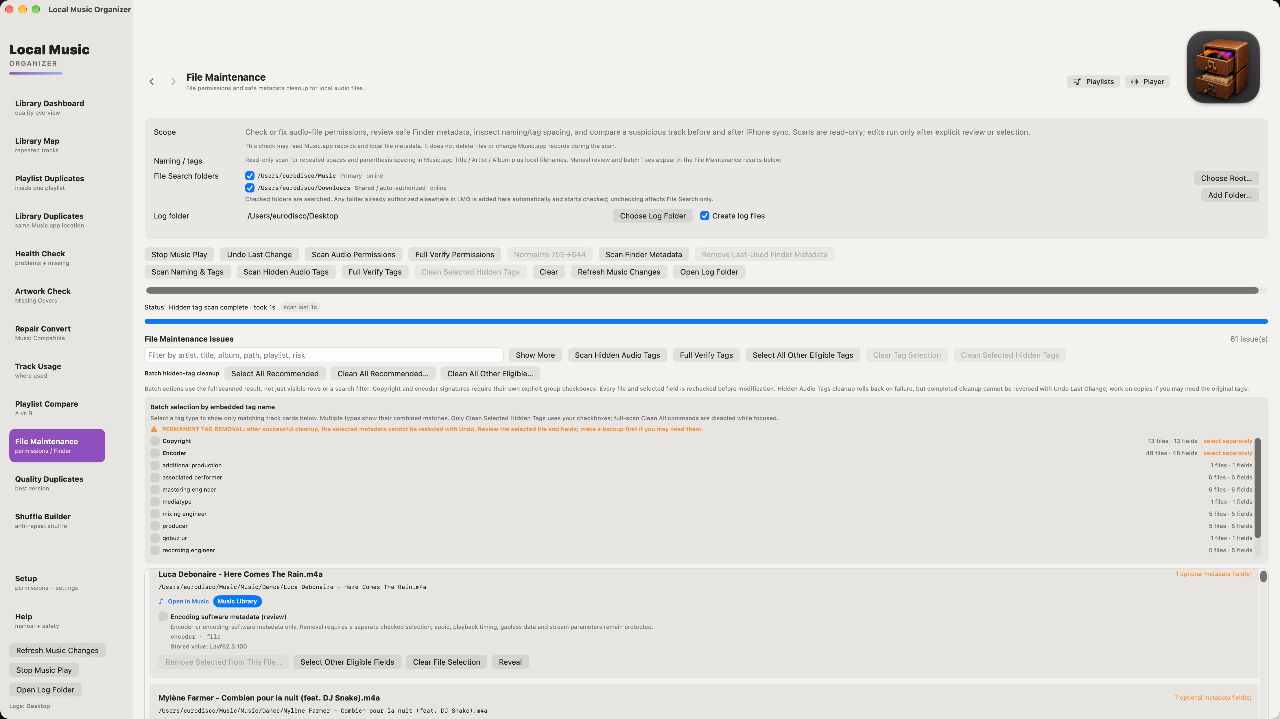
File Maintenance examines file permissions, Finder attributes, filename and tag consistency, and supported hidden audio metadata. Its tools can help clean unwanted tags, review filename changes, and maintain local audio files with confirmation and verification. Operations affecting files are deliberately separated from read-only scans; users choose what to change. Metadata editing is also available, along with log options that make it easier to review diagnostics and maintenance decisions.
AUDIO INSPECTOR AND AUTHENTICITY ANALYSIS
Audio Inspector examines codec, container, bitrate, sample rate, bit depth, and frequency characteristics, with visual spectrum and spectrogram tools for investigating recordings. Audio Authenticity Analyzer looks for warning signs such as suspicious frequency cutoffs, probable lossy-to-lossless transcodes, and sample-rate upscaling. These indicators require interpretation; a graph alone is not definitive.
TWO WAYS TO COMPARE AUDIO
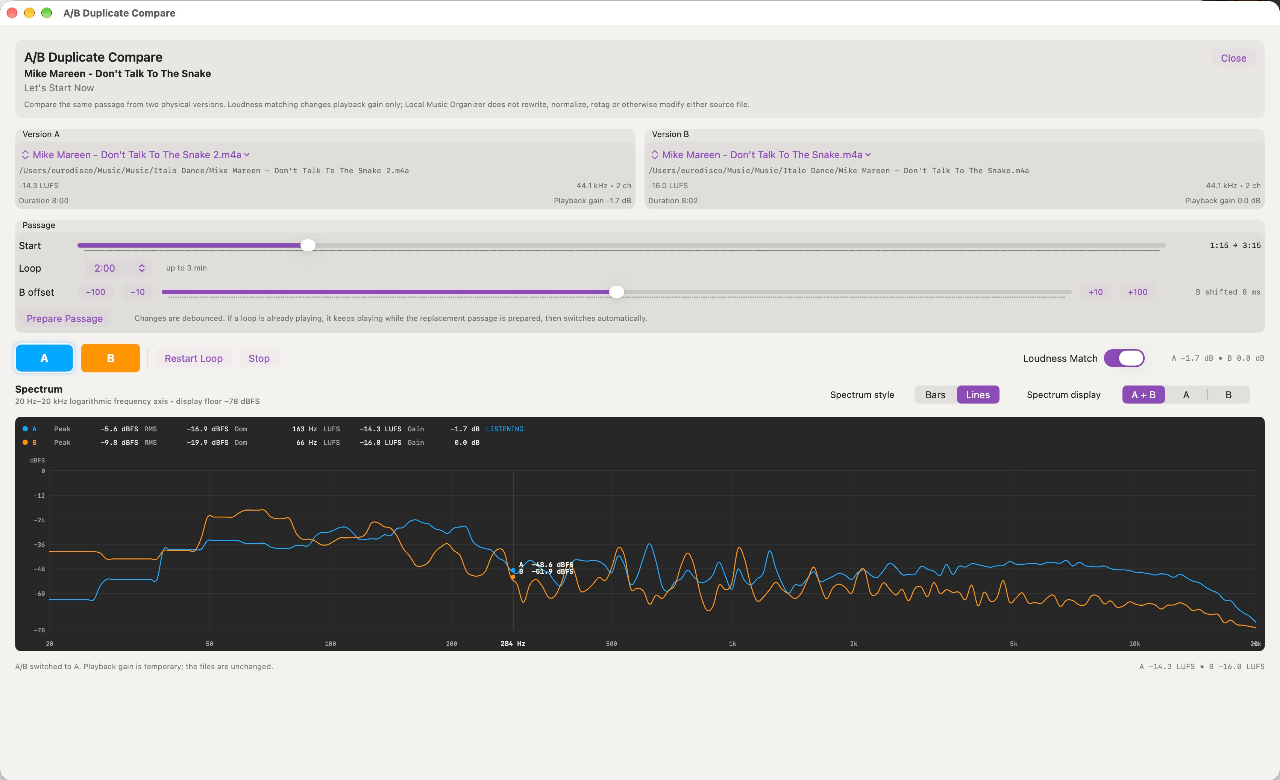
Real-time A/B Compare helps assess two physical recordings of the same passage. Open it directly from a Quality Duplicates group with two candidates already selected, or launch Manual A/B Compare with empty Version A and Version B and choose any two supported readable local audio files. Manual selection works independently of Music.app playlists and library scans. Adjust the passage start, loop length, and Version B timing offset, then switch between A and B while viewing live spectrum information. Temporary loudness matching makes differences easier to judge without rewriting, normalizing, retagging, or otherwise modifying the source files.
REPAIR, CONVERT AND IMPORT
Repair / Convert supports common and specialist audio workflows, including FLAC, ALAC, WAV, MP3, APE, TAK, WavPack, DSD formats such as DSF and DFF, SACD ISO, and CUE-based albums. It handles batches, extraction and conversion workflows, and reviewable output and original-file options. Opening or dragging supported audio or CUE files onto the app adds them to the queue for inspection; conversion does not begin until you explicitly start it.
PLAYLIST CREATION AND PLAYBACK
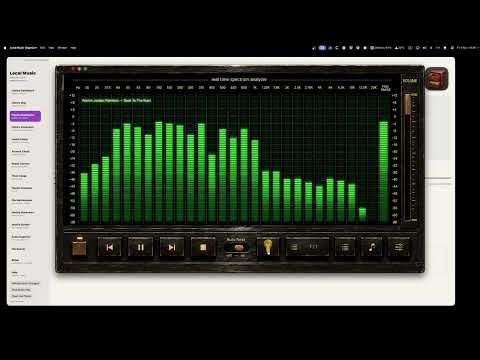
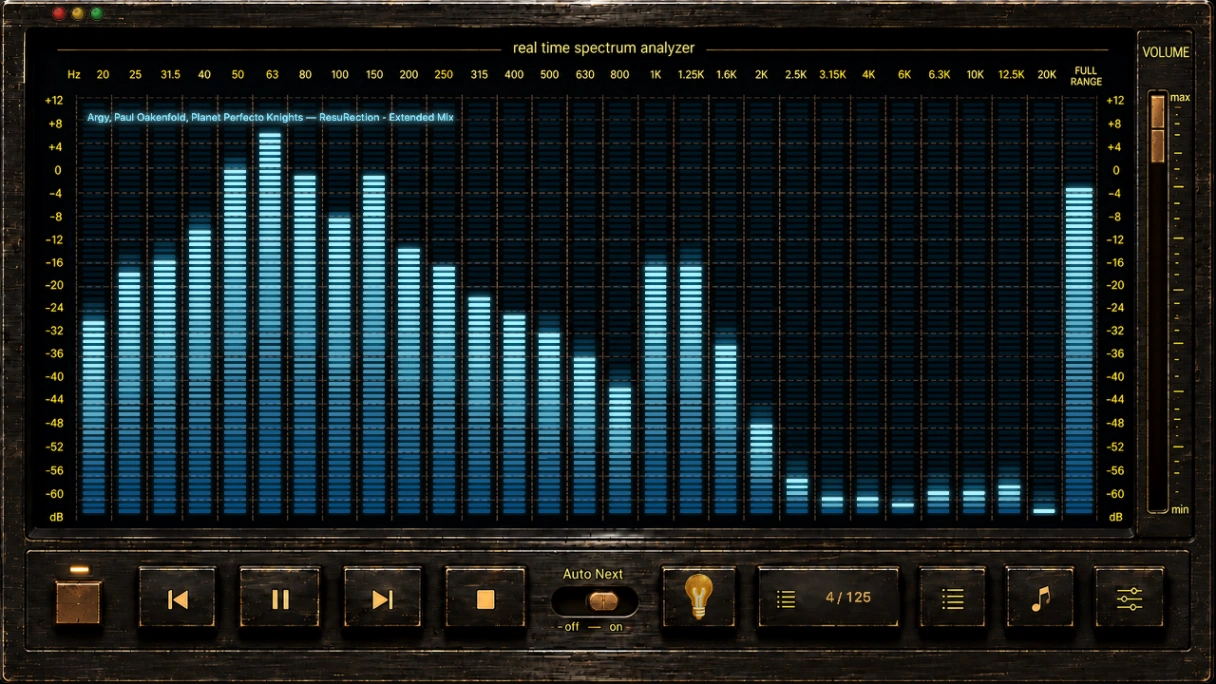
Shuffle Builder creates more natural listening orders while reducing unwanted repetition of artists, albums, and related tracks. Three integrated player presentations—ORIGINAL, CLASSIC, and GLASS—share playback and queue behavior while offering distinct real-time spectrum displays. CLASSIC provides an old-school hardware-inspired analyzer; GLASS offers customizable three-dimensional Metal visualizations. Mini-player options keep playback accessible. The central focus remains organizing and understanding your files.
PRIVATE, LOCAL AND OWNED
Processing stays local, without cloud music uploads or separate accounts. Local Music Organizer supports macOS 14 or later on both Apple Silicon and Intel Macs and is available through the Mac App Store.
Explore the complete application during a full-featured three-day trial. After that, unlock it with one purchase of $29.99—no recurring subscription.
Website: https://local-music-organizer-site.pages.dev/
Video walkthrough: https://youtu.be/nibYkaLsHG0
Loading...
Related products
View all




More categories
All categories







Launched in Week 46, 2026
See the weekTapMap
A social network built on maps: where to go and with whom
2
Social Networking, Travel, Map
2
Social Networking, Travel, Map

Video Object Remover
Remove unwanted objects from videos with AI
0
Generative AI, Video Editing, AI Video
0
Generative AI, Video Editing, AI Video


Toolblip
Free online developer tools — JSON, Base64, QR, word counter
0
DevTool, SEO Tools, Utility
0
DevTool, SEO Tools, Utility


 Prev
 Next