
Dola AI
AI desktop teammate and plugin for Unreal Engine
Screenshots
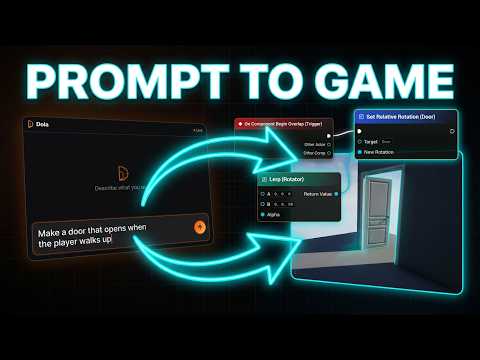
Video Demo
Freemium
DevTool
Gaming
AI Agents
Built with Unreal Engine
 C++
 Node.js
B
Babylon.jsUnreal EngineC++Node.jsWhat is Dola AI?
Dola AI is a local-first assistant built for Unreal Engine developers. It combines a standalone desktop application available on Windows, macOS, and Linux with a dedicated Unreal Editor plugin. Rather than serving as an isolated chat interface, Dola AI connects directly to your active game project to inspect context, modify files, and run commands inside the editor.
Game developers often struggle with complex engine APIs, repetitive node wiring in Blueprints, and context switching between documentation and code. Dola AI solves this by deploying specialized agents that read your open project files, search symbols semantically, and perform tasks directly in the editor environment.
What sets Dola AI apart is its live bridge architecture and local-first stance. Project indexes and interaction history stay on your local computer. It executes real actions inside the Unreal Editor, like placing nodes, wiring pins, compiling scripts, launching Play In Editor sessions, or generating meshes in a dedicated Babylon studio.
Who is it for?
Dola AI is designed specifically for technical creators and game developers working within Unreal Engine 5.
- Solo game developers seeking to automate repetitive Blueprint wiring and boilerplate C++ code.
- Technical designers who want to iterate on gameplay mechanics and spawn actors via text prompts.
- Programmers who need fast engine API lookups for UCLASS, UPROPERTY, and UFUNCTION symbols without leaving their workflow.
- Indie game studios looking for a local-first AI assistant that keeps project state on their local machines.
Key features
- Live Unreal Bridge: Connects the desktop client to your open Unreal Engine project, letting specialist agents carry out actions inside the active workspace.
- Blueprint Agent: Generates and places visual scripting nodes, wires pins according to your specifications, and automatically compiles and saves changes.
- Grounded C++ Coder: Performs engine API searches across real symbols and classes to write accurate UCLASS, UPROPERTY, and UFUNCTION code.
- Editor Automation: Instructs the editor to spawn actors, assign materials, and trigger Play In Editor sessions directly from conversational prompts.
- Project Knowledge Search: Employs semantic search across your assets and codebase to find project-specific details without manual file hunting.
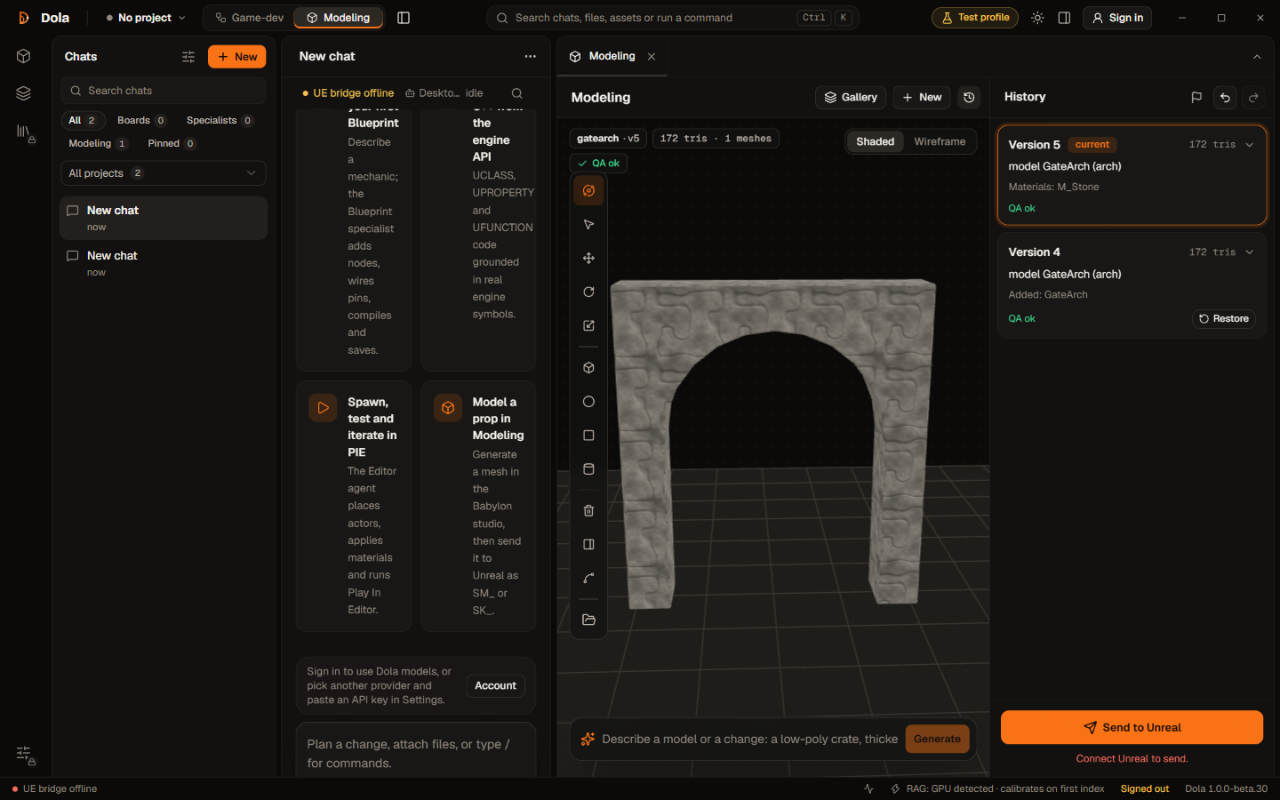
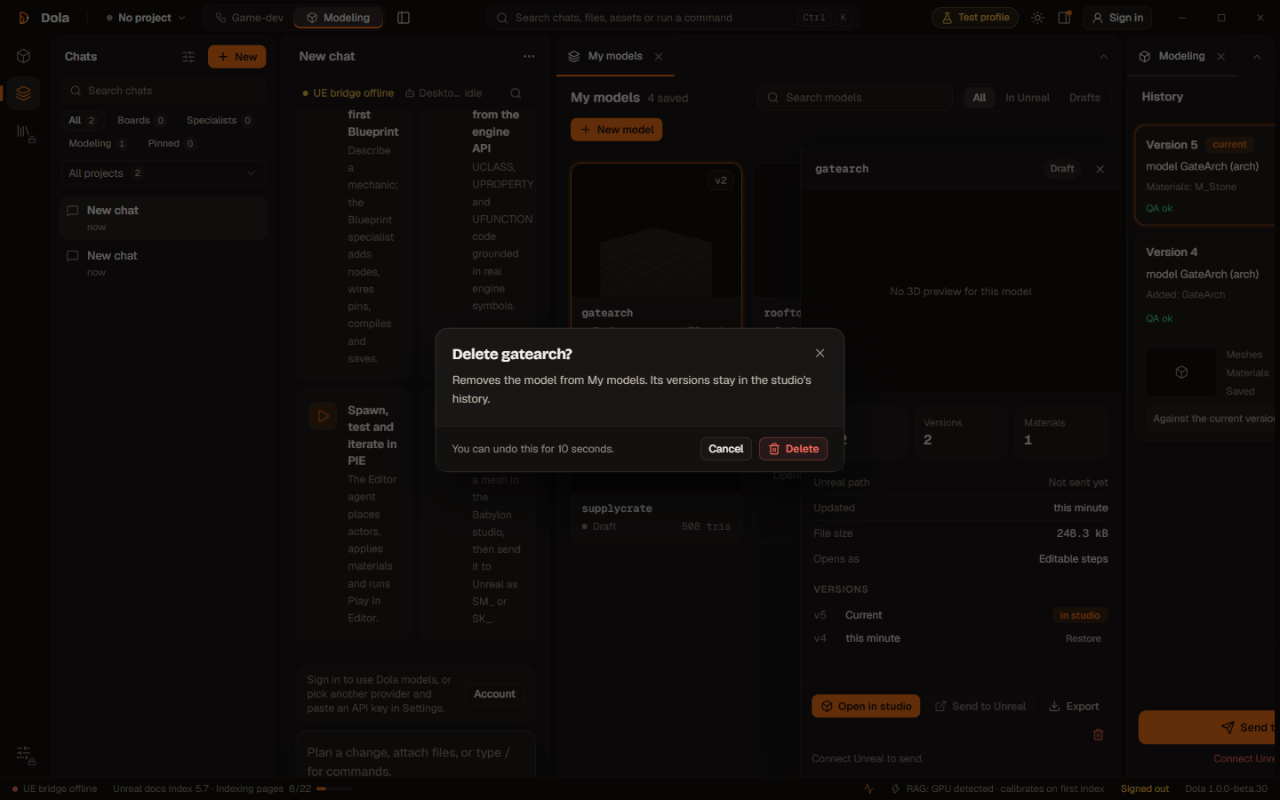
- Built-in Modeling Mode: Includes a dedicated Babylon.js studio within the desktop app to build meshes via script, inspect parts in a live viewport, and export GLB files.
- Flexible Model Support: Lets you run the tool using your own API keys from providers like OpenAI, Anthropic, Google, Groq, Mistral, xAI, Cerebras, or custom local endpoints.
How it works
- Link your open Unreal Engine workspace using the local Dola bridge plugin.
- Enter your prompt or task description in plain language inside the desktop app.
- Let specialist agents carry out the instructions, manipulate Blueprints or code, compile the assets, and report what changed.
Use cases
A solo developer prototyping a new mechanic can ask the Blueprint agent to implement a stamina system. The agent places the necessary nodes, sets up connections, verifies pins, compiles the blueprint, and reports completion.
A C++ programmer building gameplay systems can query the engine API to locate specific classes and method signatures. Dola generates the required boilerplate and functions grounded in real engine definitions, avoiding hallucinations.
An environment artist needing a placeholder 3D asset can switch to Modeling mode, prompt for a procedural object, inspect the generated mesh inside the in-app viewport, and export it as a GLB file for use.
Pricing
Dola AI is free to download and use with your own model API key from providers such as Anthropic, OpenAI, Google, Groq, Mistral, xAI, Cerebras, or local endpoints. For users who prefer hosted models without bringing their own key, paid monthly tiers include monthly AI credits: Indie ($10 per month with $10 credits), Pro ($50 per month with $50 credits), Pro+ ($100 per month with $100 credits), and Max ($200 per month with $200 credits). Paid plans renew monthly and can be canceled anytime.
FAQ
Is Dola AI free to use?
Yes. The app is free to download and use when you bring your own API key from supported providers like OpenAI, Anthropic, or local endpoints.
What platforms does the desktop application support?
The Dola AI desktop application is available for Windows, macOS, and Linux systems.
How does Dola AI protect project privacy?
Dola AI uses a local-first architecture. Project indexes, chat history, and editor states remain on your local computer. When using your own API key, requests go directly to that provider without storing chat content in cloud account databases.
Loading...
Related products
View all
OneKitly
1,800+ free online calculators, converters and tools
0
Productivity, DevTool, SEO Tools
0
Productivity, DevTool, SEO Tools

DevCleaner
Reclaim Gigabytes from Your Mac Dev Tools
2
DevTool, App Development, Automation
2
DevTool, App Development, Automation

Blackjack Smack
Think you can beat the house? Our dealer thinks otherwise.
1
Mobile App, Gaming
1
Mobile App, Gaming

Ornold
AI-Powered Browser Automation for Antidetect Browsers
0
Automation, AI, DevTool
0
Automation, AI, DevTool


More categories
All categories







Launched in Week 46, 2026
See the weekTapMap
A social network built on maps: where to go and with whom
2
Social Networking, Travel, Map
2
Social Networking, Travel, Map

Video Object Remover
Remove unwanted objects from videos with AI
0
Generative AI, Video Editing, AI Video
0
Generative AI, Video Editing, AI Video


Toolblip
Free online developer tools — JSON, Base64, QR, word counter
0
DevTool, SEO Tools, Utility
0
DevTool, SEO Tools, Utility


 Prev
 Next