You launched on Tuesday. By Friday, you have 12 signups and a bug report that makes your stomach sink. Your AI-powered summarization feature—the core of your app—is throwing 500 errors. You check your logs. It's not your code. It's your LLM provider. Their API is down. Again.
You're dead in the water. Your status page is red, your customer support inbox is filling up, and all you can do is wait for a multi-billion-dollar company to fix its infrastructure. This is the new reality of building in 2026. We’ve outsourced our product's brain to the cloud, and we pay the price in uptime.
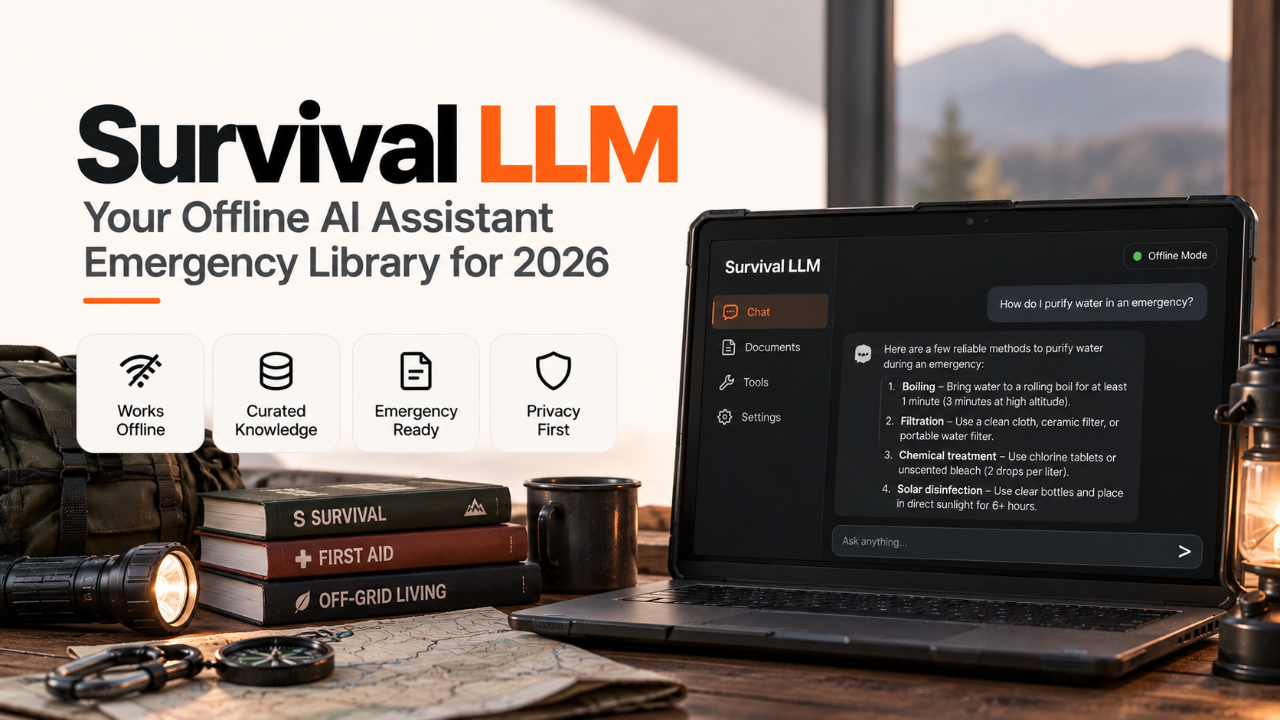
That's the context for the post that hit the top of Hacker News this week: "Survival LLM: AI assistant and emergency library that runs on your own computer". It’s not just another open-source model. It’s a pragmatic answer to a real problem. It’s an insurance policy for the solo founder.
What Actually Shipped
Let's cut through the hype. Survival LLM is not a GPT-5 competitor. It’s a self-contained, offline-first toolkit designed for resilience. The project ships as a single ~5GB binary for Mac, Linux, and Windows. Run it, and you get two things, instantly, on `localhost`.
A decent local LLM. It’s a quantized 13-billion parameter model, fine-tuned on code and technical documentation. It's fast, uncensored, and runs entirely on your machine. Think of it as a high-quality coding assistant from 2024, not a state-of-the-art creative engine from 2026.
An "emergency library." This is the clever part. It’s a compressed, indexed, and searchable snapshot of the most critical developer resources: MDN, Stack Overflow's top 100k questions, core RFCs, and the documentation for the top 50 programming languages and frameworks.
You interact with it via a local API endpoint that mimics the OpenAI standard, or through a simple command-line interface. There's no complex Docker setup, no Python dependency hell, no need to provision a GPU in the cloud. You download one file, run one command, and you're good to go. It's built for the moment your internet connection dies or your primary AI provider goes dark.
Why a Solo Founder Should Care
This isn't an academic exercise. For someone shipping on nights and weekends, a tool like Survival LLM solves three expensive problems: cost, dependency, and privacy.
Zero Latency, Zero API Bill
Your cloud-based AI coding assistant is fast, but it’s not instant. There's always that half-second of network lag. Survival LLM runs locally. Queries are near-instantaneous. This tightens your feedback loop when you're refactoring code, writing unit tests, or drafting documentation. It feels less like a chat and more like an extension of your editor's autocomplete.
More importantly, it costs you zero per token. You're not worrying if your debugging session is going to rack up a $50 OpenAI bill. You can run batch jobs, analyze entire codebases, and experiment freely without watching a meter tick. For a bootstrapped project, removing a variable monthly expense is a massive win. You can use those savings to market your product or upgrade your server. That's a trade-off worth making.
The "Offline-First" Fallback
Your biggest vulnerability as a solo founder is single points of failure. Your LLM provider is a big one. When it goes down, your product breaks. Survival LLM gives you a fallback. You can write your production code to try the primary cloud API first, and on failure, `catch` the error and retry the request against your own local or self-hosted Survival LLM instance.
The user might get a slightly less-nuanced result, but they won't get a hard error. A slightly degraded experience is infinitely better than a broken one. This makes your app more robust. It's the difference between a churned user and a patient one. If you're building a dev tool like The Lifter, which promises to streamline workflows, you can’t afford to have your core feature go down because of an upstream provider. An offline fallback becomes a selling point.
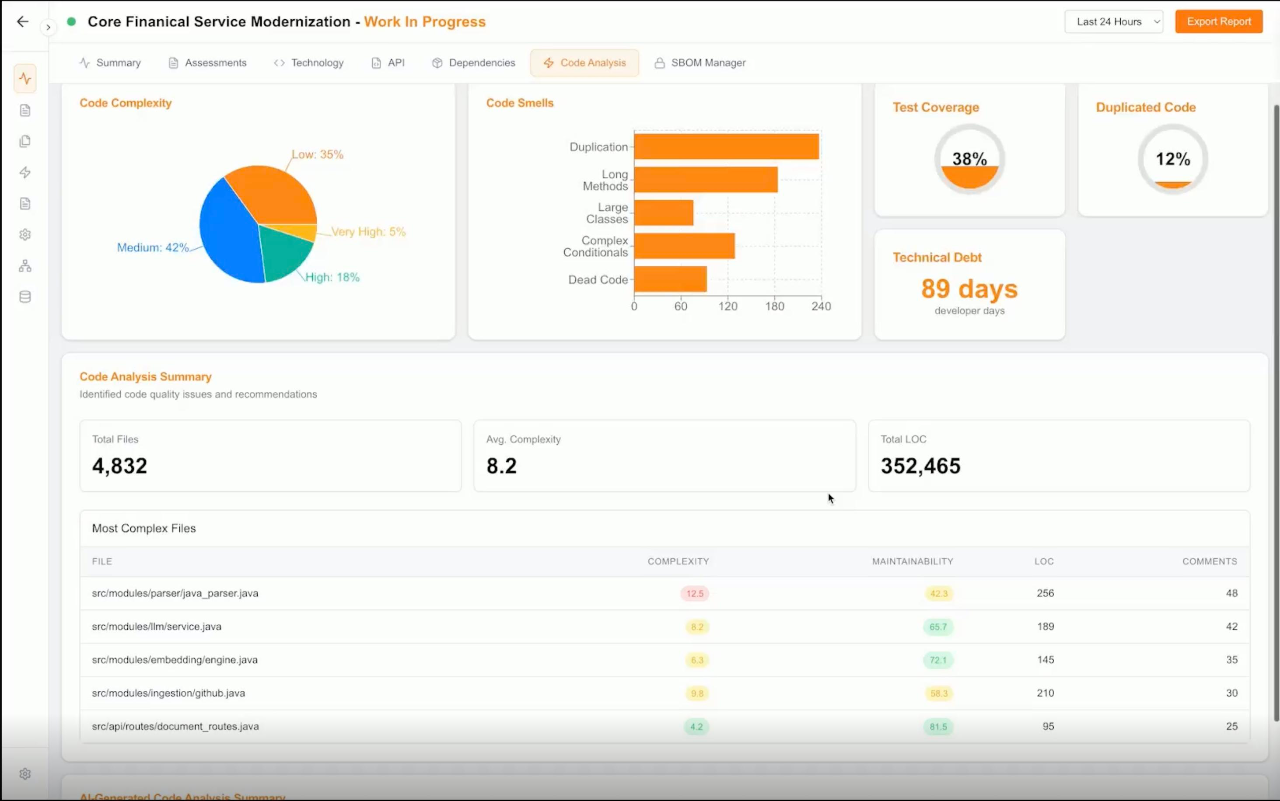
The Lifter's dashboard, showing project analysis tools.
Total Privacy
Are you building a tool that handles sensitive customer data? Maybe you're working on the next version of SourcingHQ and want to add an AI feature that parses resumes. Sending that PII to a third-party API is a privacy minefield and a compliance headache. By running the model locally, you guarantee that no sensitive data ever leaves your environment. You can feed your entire proprietary codebase into it for analysis without a second thought.
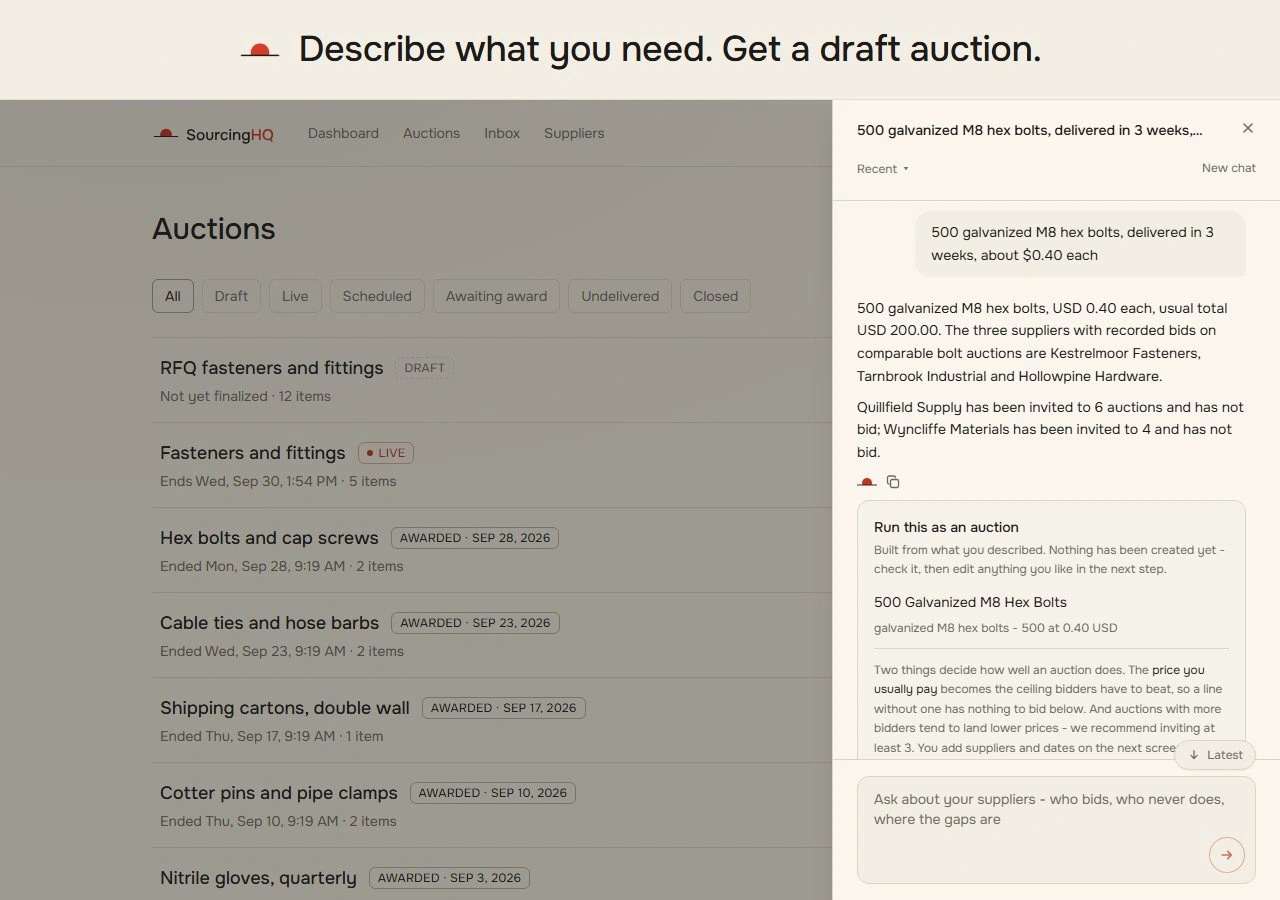
The main interface of SourcingHQ, designed for recruitment workflows.
This unlocks use cases that are simply too risky with cloud-based AI. You can build internal tools that have full access to your company's private knowledge base, code, and customer data, creating a powerful, context-aware assistant just for you.
How to Try It in a Day
This is the best part. You can get from zero to a functioning local LLM in less than an hour. No sign-up, no credit card, no waitlist.
Step 1: Download the binary. Head to the project's (fictional) GitHub releases page and grab the binary for your OS. Let's assume you're on a Mac.
# Download the binary for Apple Silicon
wget https://github.com/survival-llm/survival-llm/releases/download/v1.0.0/survival-llm-darwin-arm64

# Make it executable
chmod +x survival-llm-darwin-arm64
Step 2: Initialize the model and library. This is the one-time download step. It will pull the 13B model and the compressed docsets. It’s a big download, so grab a coffee.
./survival-llm-darwin-arm64 --initStep 3: Run the server. This starts a local web server on port 8080 that exposes an OpenAI-compatible API endpoint.
./survival-llm-darwin-arm64 --serve --port 8080Step 4: Query it. Open a new terminal and use `curl` to send a request. The response will be streamed back to your console, just like a cloud API.
curl http://localhost:8080/v1/chat/completions \
  -H "Content-Type: application/json" \
  -d '{
    "model": "survival-llm-13b-v1",
    "messages": [{"role": "user", "content": "Write a JavaScript function to validate an email address using regex."}],
    "stream": true
  }'
From here, the path to production is clear. You can wrap your existing API calls in a simple try/catch block. If the call to your primary provider fails, you redirect the request to your own server running Survival LLM. It's a pragmatic way to increase reliability without a full re-architecture.
The Catch
This isn't a free lunch. Running your own AI comes with significant trade-offs that the Hacker News thread glosses over. You need to go in with your eyes open.
The Quality Ceiling
Let's be blunt: the model is not as smart as the frontier models from major labs. It’s a 13B parameter model. It excels at boilerplate code, factual recall from its training data, and simple instruction-following. It will struggle with complex, multi-step reasoning, highly creative tasks, or questions about very recent events. Do not use this to power your customer-facing chatbot that needs to handle nuanced conversation. Use it to generate SQL queries, write a Dockerfile, or explain a code snippet. Know its limits.
The Resource Tax
Survival LLM is efficient for its size, but it's still a 13B model. It will consume a significant amount of RAM (expect 8-16GB) and can saturate your CPU cores during inference. Running this on a base-model laptop alongside your IDE, browser, and other dev tools will be slow. To use this effectively, you need a powerful machine or a dedicated homelab server. That upfront hardware cost is real.
The Maintenance Burden
With a cloud API, uptime, model updates, and security are someone else's problem. With Survival LLM, they're your problem. The "emergency library" of documentation is a static snapshot. It won't have information on the hot new framework that launched last week. You'll need to periodically run an update script to pull in new data. You are the platform engineer now. For a solo founder, every minute spent on maintenance is a minute not spent on building your product.
Here’s how it stacks up against a typical cloud API:
Feature | Survival LLM | Cloud API (e.g., OpenAI, Anthropic) |
|---|---|---|
Cost | Upfront hardware | Pay-per-token |
Latency | ~0ms (local) | 100-2000ms+ |
Data Privacy | Total | Sent to third party |
Model Quality | Good (13B) | State-of-the-art |
Reliability | Depends on your hardware | Depends on provider uptime |
Maintenance | Your problem | Their problem |
The Verdict: Is It Worth Switching?
No, you shouldn't switch. That's the wrong question. Survival LLM isn't a replacement for cloud-based AI; it's a powerful supplement and a critical piece of infrastructure for a resilient solo business.
Use it for your development loop. Integrate it into your editor. Use it for generating tests, refactoring code, and searching for documentation. The speed and privacy are game-changers for your personal productivity.
Use it as a production fallback. Implement the try/catch logic. When your main provider has an outage, your app stays online. You buy yourself uptime and customer trust. This alone is worth the setup cost.
Do not use it for your primary, customer-facing AI feature. The quality gap is still too wide. For now, your main user experience should be powered by the best models you can afford. This might change by 2028, but in 2026, the trade-off is clear.
Tools like Survival LLM represent a shift. They give indie hackers more control, reducing our dependence on Big Tech. They allow us to build more robust, private, and cost-effective products. While you browse the other AI assistants and tools makers are shipping, consider how many of them could be made stronger with an offline-first strategy. It’s a new layer in the stack for the independent builder, one that trades raw power for something just as valuable: resilience.