
Olmi: Plant Care & Watering App
Keep plants alive. Skip the homework.
Screenshots
 Flutter
 Postgresql
 Node.js
Most houseplants do not need another complicated care guide. They need a routine you can actually keep.
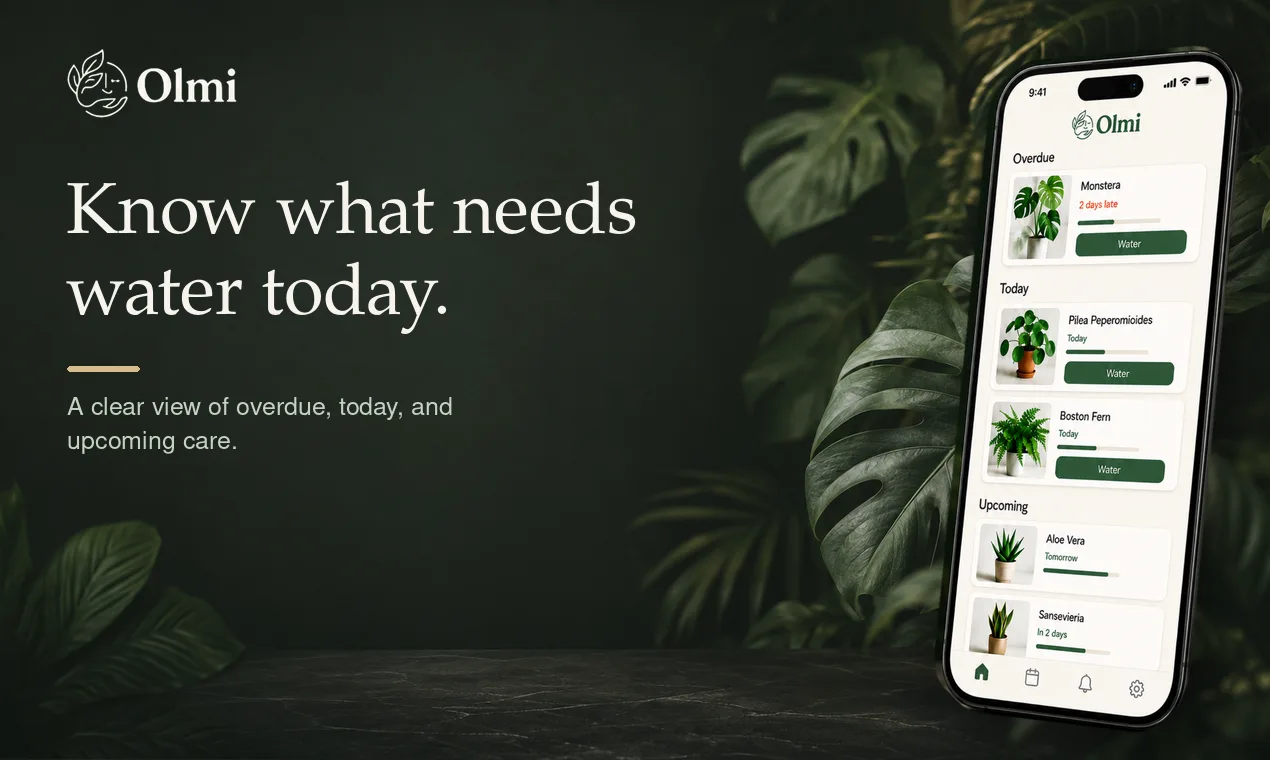
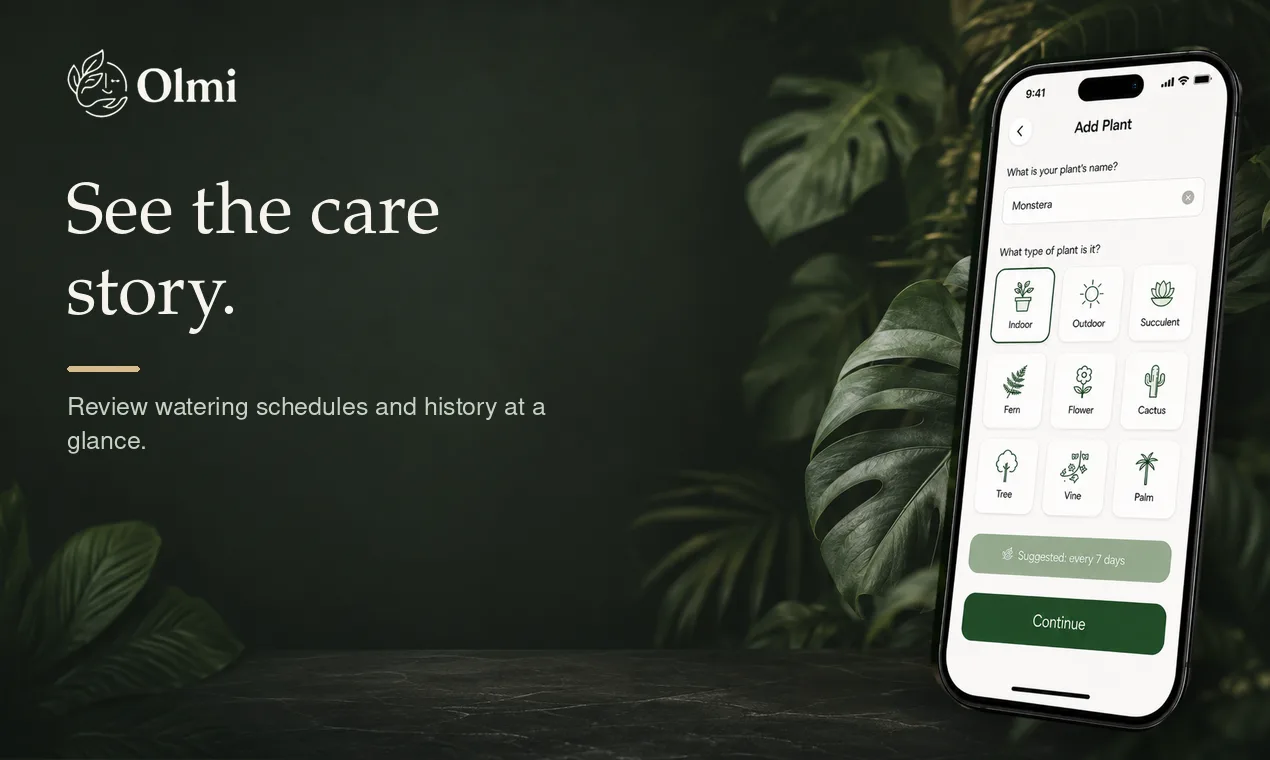
Olmi is a mobile plant care app for people who are new to houseplants or tired of wondering when they last watered one. Add a plant, choose or adjust a watering rhythm, and see what needs attention today. Log care as you go and keep a simple history for every plant.
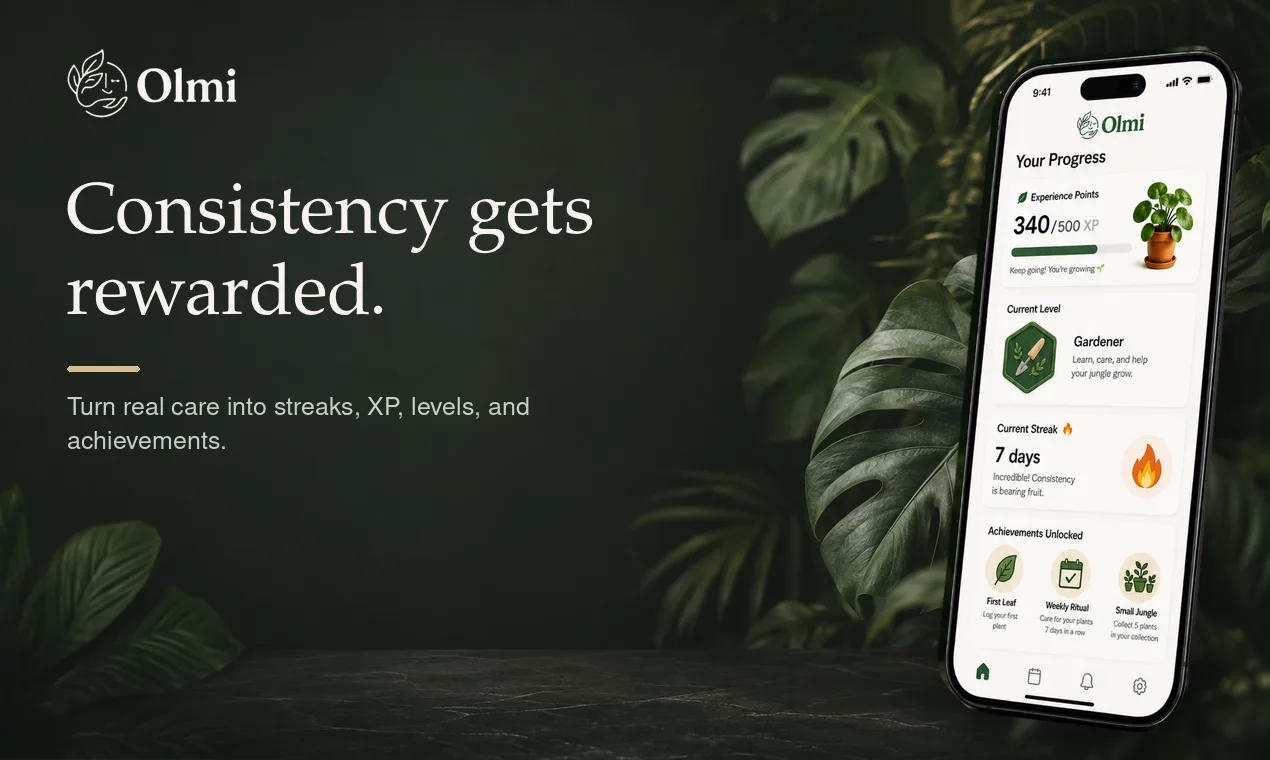
Olmi turns consistency into something visible. Care streaks, XP, levels, achievements, and garden-health feedback reward the actions that matter: showing up and taking care of your plants.
Start with the core care loop without creating an account. When you want to grow your collection, Olmi Pro adds photo identification: take or upload a plant photo, get a suggested match, and add it to your dashboard with a starting care schedule you can review.
Olmi is for beginner and early-intermediate houseplant owners. It is not trying to turn you into a botanist. It helps you build a calm, repeatable habit around the plants already in your home.
A typical week with Olmi looks like this: add a new plant and pick a watering rhythm that fits it, check the dashboard each morning for what is overdue, due today, or coming up, log the watering in a few taps, and watch a streak build over time. If you buy a plant without a tag or inherit one you cannot name, Pro photo identification suggests a match so you can start it with a reasonable care schedule instead of guessing.
Every plant has its own care history, so the routine stays tied to what you actually did instead of a vague intention to be more consistent. Olmi keeps the next small action clear and gives you a simple record to look back on as your collection changes.
Olmi is not built for expert growers who need a scientific plant database, crop management tools, environmental sensors, or diagnostic tools. It is built for the much larger group of people who forget the last time they watered something, are not sure how often a given plant needs it, and want an app that fits into a normal day rather than a hobbyist workflow.
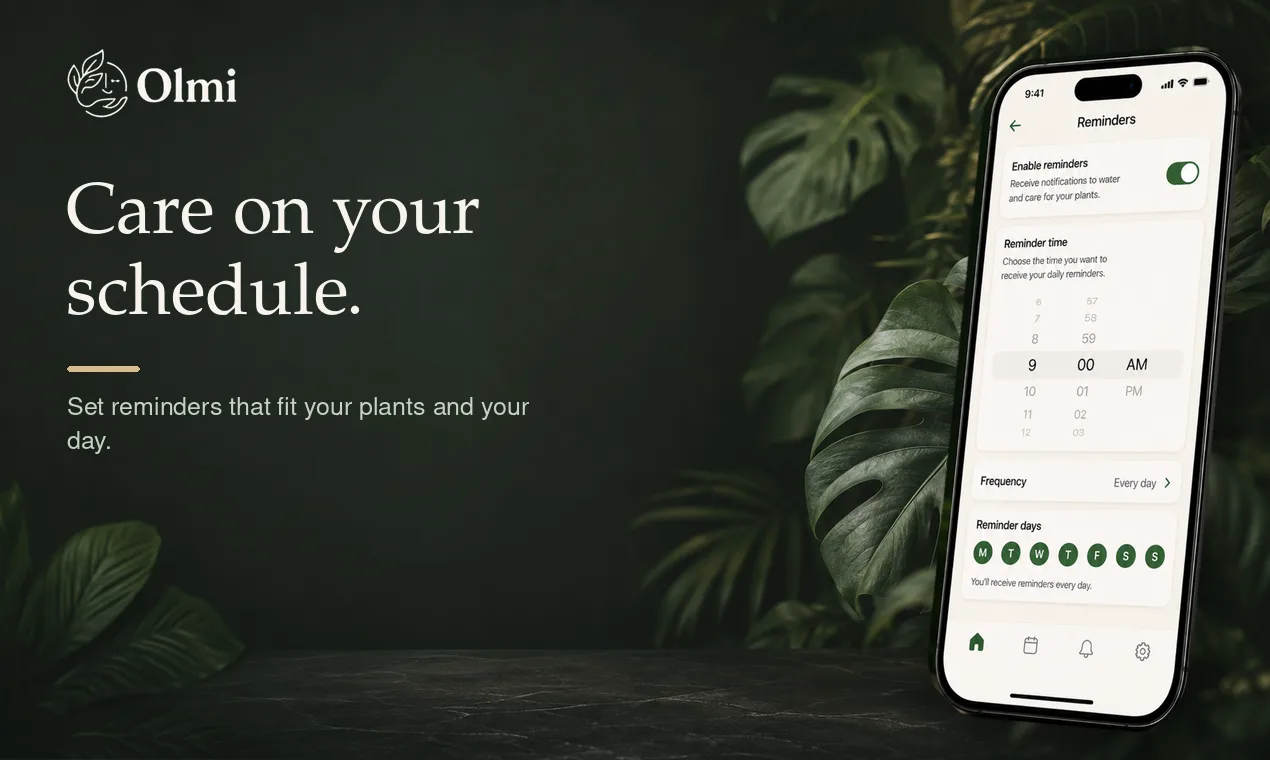
Free includes the full core loop, reminders, logging, and progress rewards, for up to two active plants. Olmi Pro removes that plant limit for growing collections and adds photo identification for the plants you cannot name on your own.


