
Kling 4.0
Generate controlled AI videos with keyframes and references
Screenshots
Paid
AI Video
Generative AI
Content Creation
Built with Adobe
 1password
 Apple
Adobe1passwordAppleWhat is Kling 4.0?
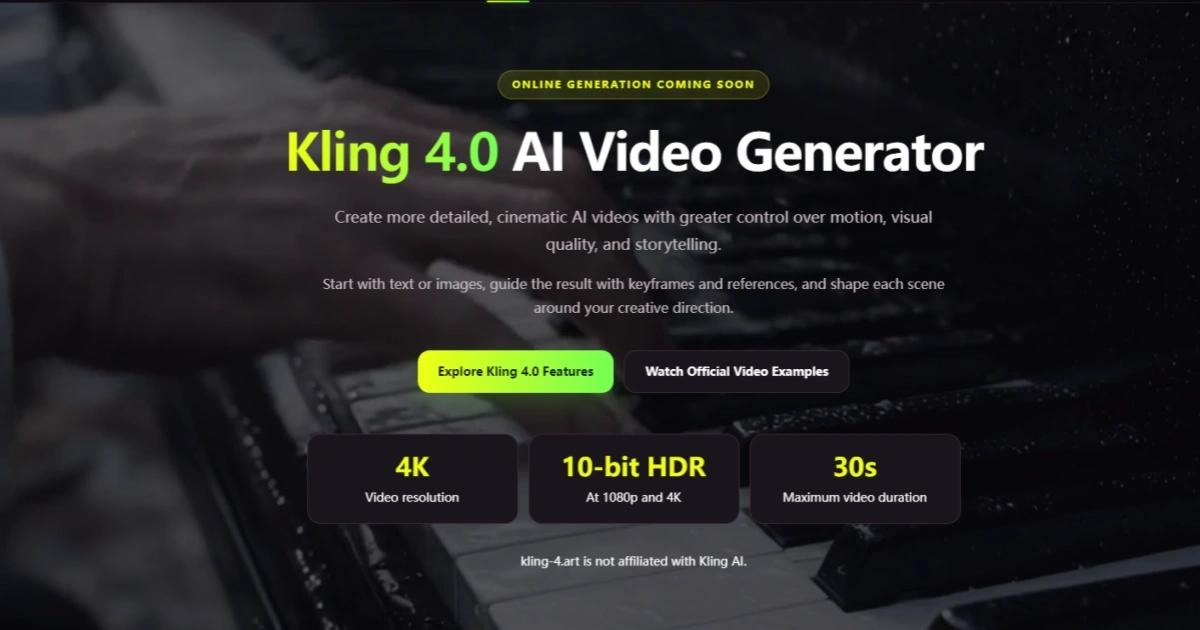
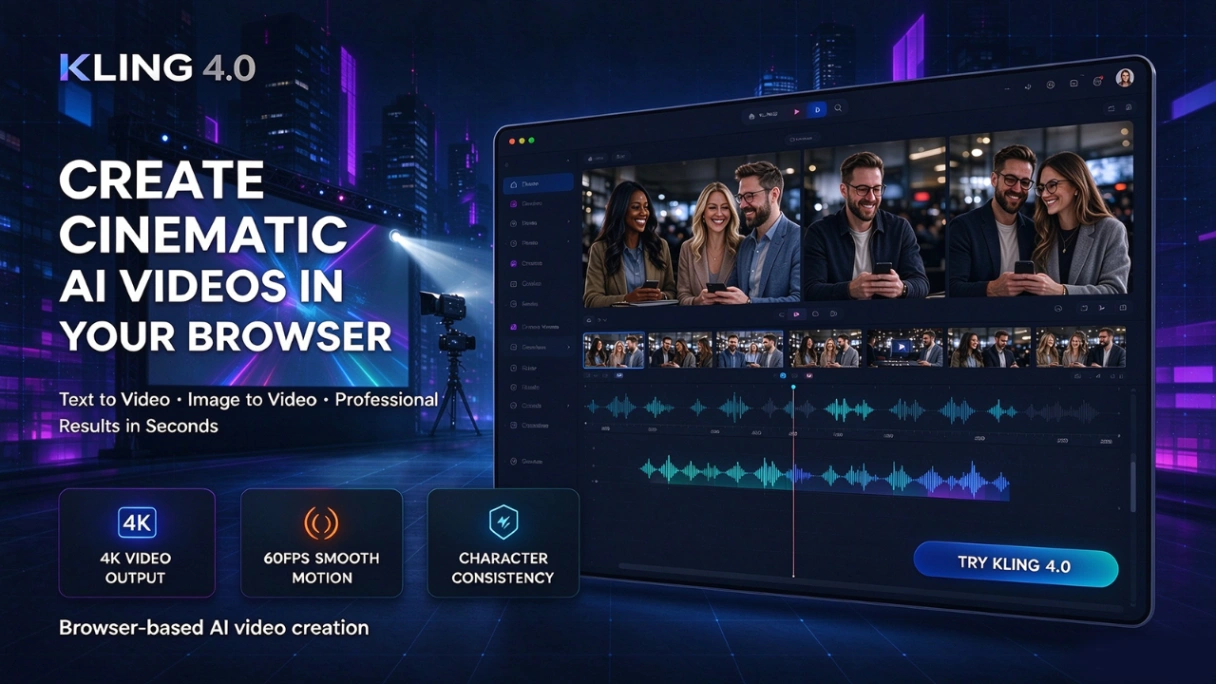
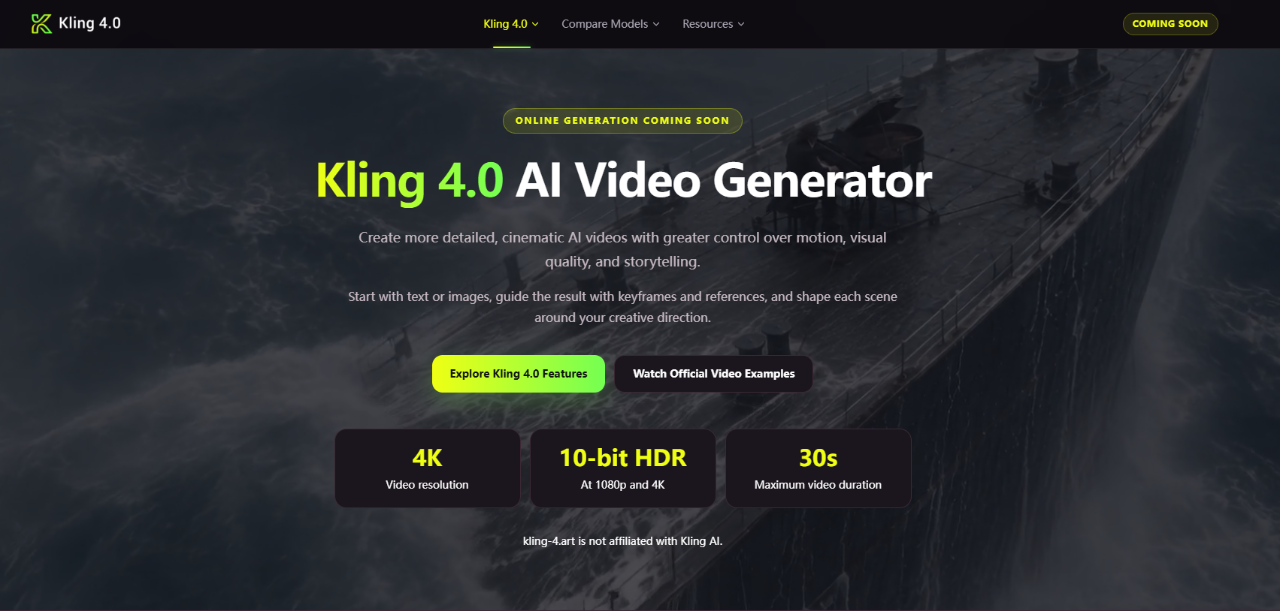
Kling 4.0 is an artificial intelligence video generation model developed by Kling AI, available through this independent studio web application. It transforms written concepts and still media into moving footage. The system addresses common generative video challenges such as erratic movement, visual drifting, and short clip limits by allowing users to guide scene transitions and character consistency.
Instead of relying entirely on text prompts to determine how a clip unfolds, Kling 4.0 introduces deep reference controls. Users can supply beginning and ending frames, multiple mid-scene milestones, or reference collections of imagery and motion clips to direct the generation path.
The platform supports extended video generation ranging from 3 to 30 seconds. With adjustable frame framing, multiple resolution choices, and multi-asset guidance, it gives creators granular control over visual storytelling without requiring complex local hardware setups.
Who is it for?
Kling 4.0 serves creators and teams that need visual consistency and directed pacing in AI-generated footage:
- Independent filmmakers and screenwriters prototyping cinematic scenes, mood boards, and story pitches.
- Social media managers and content creators producing vertical clips for YouTube Shorts and mobile feeds.
- Ecommerce brands and marketing teams creating contextual product videos and visual draft ads.
- Educators and founders looking to develop clear explainer visuals for lessons and pitches.
Key features
- Omni Reference guidance: Combines up to 10 images and up to 5 video clips (up to 15 assets total) to maintain character look, scene atmosphere, and motion direction.
- Multi-keyframe directing: Enables users to set up to 10 visual checkpoints, including mandatory start and finish frames, to direct complex camera paths and sequential actions.
- Extended clip durations: Generates continuous footage from 3 up to 30 seconds, providing sufficient duration for complete narrative beats.
- High-definition outputs: Exports video at 720p and 1080p resolutions within the studio, matching diverse display standards.
- Flexible aspect ratios: Offers preset formats including 16:9, 9:16, 1:1, and 21:9 for social feeds, widescreen displays, and cinematic frames.
- Granular credit estimation: Displays the calculated credit cost before submitting the render so users can manage balance usage accurately.
How it works
- Select your starting workflow, such as standard Text to Video, Keyframes, or Omni Reference.
- Input your written prompt detailing the subject, camera angle, and scene motion, and upload necessary image or video references.
- Configure your output settings by choosing the duration, resolution, and aspect ratio.
- Submit the task to generate the video, monitor credit usage, and download the finished media file directly from the preview player.
Use cases
Marketers can develop short commercial drafts. By supplying a product still as a reference, a team can test different commercial backdrops and visual treatments before booking an expensive live studio shoot.
Video creators can produce serial vertical shorts. Setting start and end frames guarantees that visual assets remain cohesive across dynamic camera pans, preventing the morphing artifacts common in standard text-only video tools.
Educators and trainers can build visual explainers. Turning abstract explanations into continuous 30-second instructional clips helps viewers follow technical procedures and concepts clearly.
Pricing
Kling 4.0 operates on a paid, non-subscription credit model where purchased credits never expire. The Starter pack provides 260 credits for $9.90 ($0.038 per credit). The Creator pack costs $29.90 for 960 credits ($0.031 per credit). The Studio pack offers 2,000 credits for $49.90 ($0.025 per credit), and the Business pack costs $99.90 for 5,000 credits ($0.020 per credit). For Kling 4.0 Text to Video, generation consumes 5 credits per second at 720p (25 credits for 5 seconds) and 8 credits per second at 1080p (40 credits for 5 seconds). A 7-day refund window is available if no more than 10% of purchased credits have been consumed.
FAQ
Do credits expire or require a monthly subscription?
No. Credits are bought through one-time credit packs with no recurring subscription, and purchased balances never expire.
What input files can be used with Omni Reference?
The studio accepts up to 10 reference images and up to 5 reference videos totaling 30 seconds, with a combined limit of 15 reference files.
Can I generate 4K video directly in this web studio?
The underlying Kling 4.0 model supports up to 4K resolution, but the web generator studio currently provides 720p and 1080p outputs.
Can Keyframes and Omni Reference modes be combined?
No. You must choose between Text to Video, Keyframes, or Omni Reference for each generation task.
Loading...
Related products
View all





More categories
All categories







Launched in Week 51, 2026
See the week
InspectProHQ
The Complete Business Platform for Home Inspectors.
0
Real Estate, CRM, Invoicing
0
Real Estate, CRM, Invoicing
32d20h25m
Launches in32days
:20hours
:25mins
:06secs

Photo Collage Maker & Grid
Free collage maker: no watermark, no ads, works offline
0
Photo Editing
0
Photo Editing
32d20h25m
Launches in32days
:20hours
:25mins
:06secs

CoinBoss
Live crypto liquidations, open interest & funding
0
Crypto, Data Analytics, Analytics Tool
0
Crypto, Data Analytics, Analytics Tool
32d20h25m
Launches in32days
:20hours
:25mins
:06secs

Tennis Relics
Collect, trade, and battle with virtual tennis cards
0
Gaming, Sports, Entertainment
0
Gaming, Sports, Entertainment
32d20h25m
Launches in32days
:20hours
:25mins
:06secs