
Cloakly
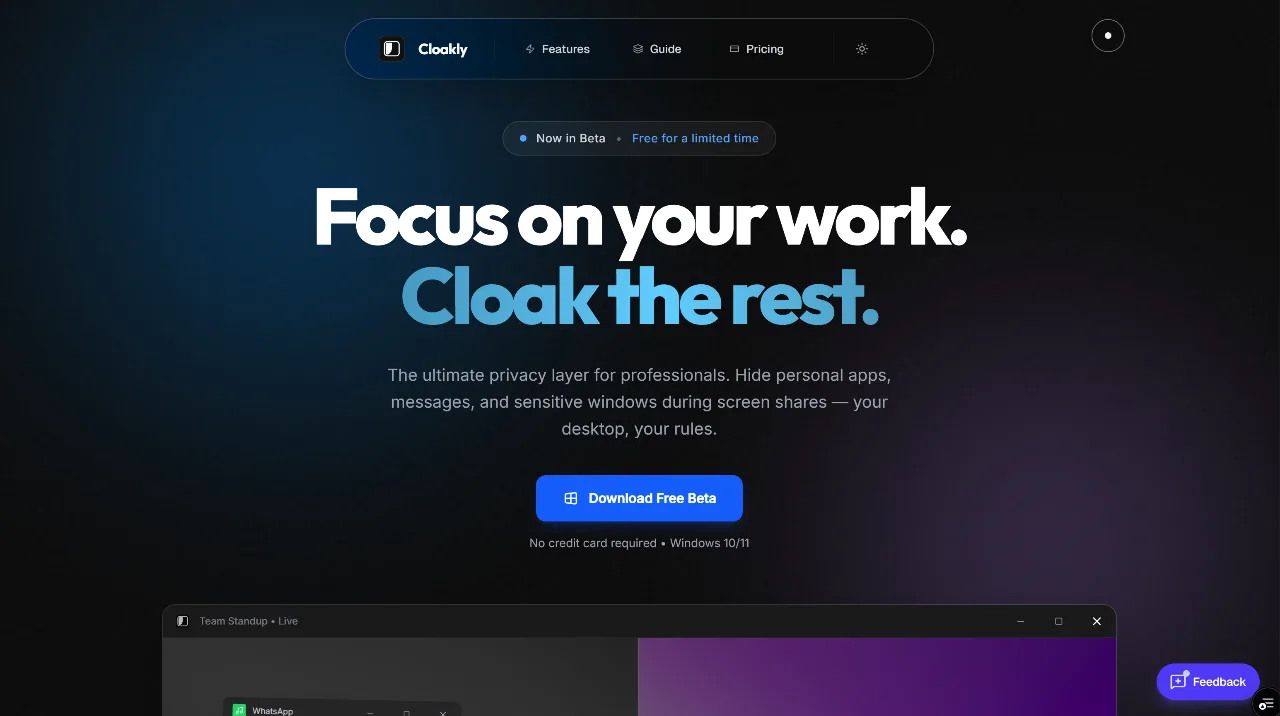
Hide Apps While Screen Sharing
Screenshots
Freemium
Productivity
Built with Rust
RustCloakly is the ultimate privacy layer for your desktop, designed to give professionals complete control over their digital presence during screen sharing. It allows users to seamlessly hide, pin, and adjust any window, ensuring that only work-related content is visible to others during video calls and presentations. The main problem Cloakly solves is the accidental leakage of sensitive personal information, distracting notifications, or confidential work data when sharing a screen. It empowers users to maintain a clean, professional, and private screen-sharing experience without constant worry.
Key Features:
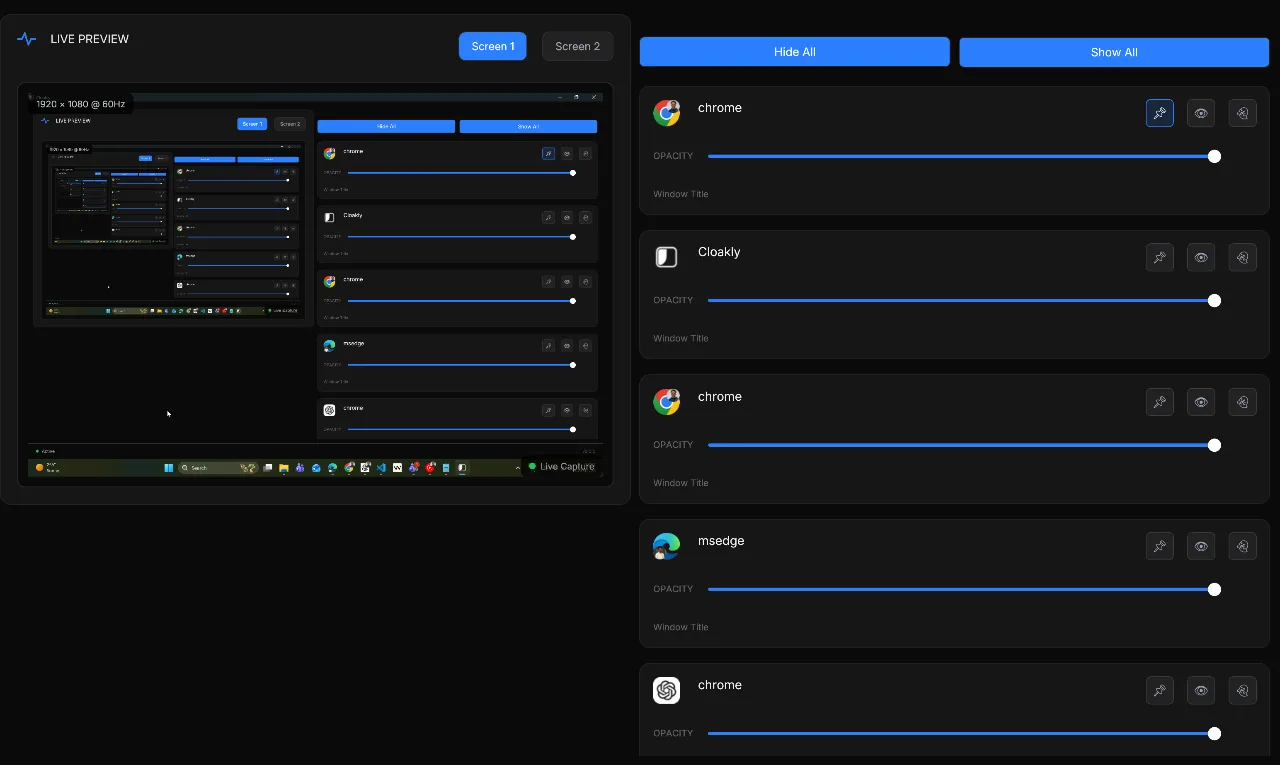
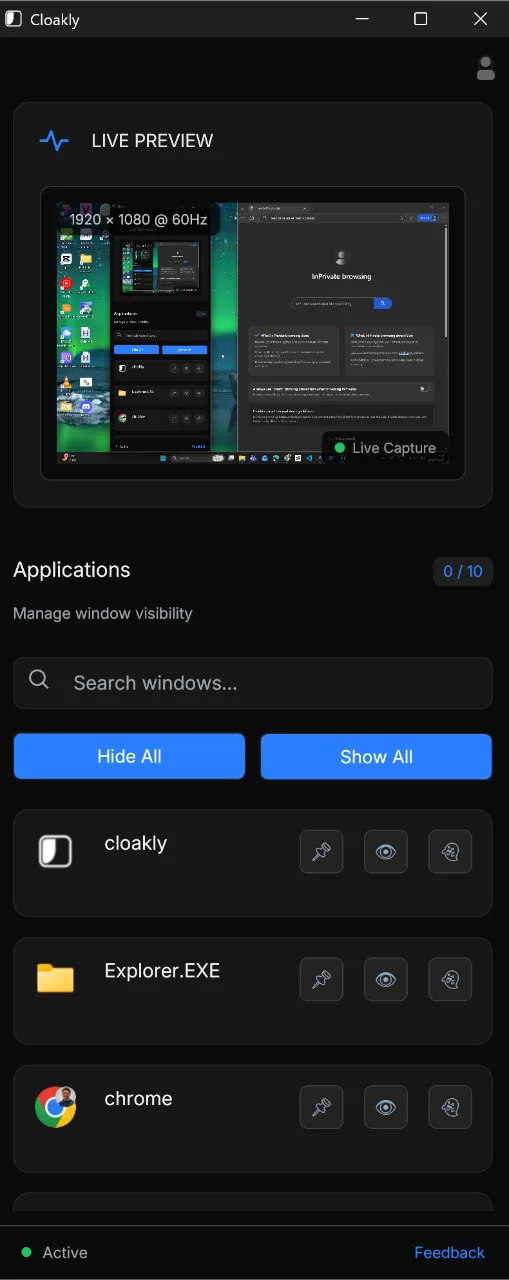
- Invisible to Screen Share: Makes selected applications invisible to screen-sharing tools like Zoom, Teams, Discord, and OBS, while remaining fully usable by the user.
- Pin on Top: Allows users to keep essential tools or windows perpetually visible above all other applications, even when switching tasks.
- Ghost Mode: Renders any selected window partially transparent, enabling users to layer applications, take notes, or multitask without constant window switching.
- Taskbar Stealth: Removes selected windows from the taskbar, contributing to a cleaner and more private workspace while keeping the applications fully functional.
Who it is for:
Cloakly is built for a wide range of professionals and individuals who frequently share their screens:
- Remote Workers: To hide private chats, documents, or apps during video meetings.
- Content Creators: To keep scripts, notes, or reference materials visible without revealing them to the audience.
- Students: To overlay transparent notes on lectures or keep reference materials pinned.
- Finance Professionals: To shield sensitive financial data and client portfolios.
- Developers: To pin logs, terminals, or documentation above their IDE.
- Traders & Analysts: To conceal sensitive dashboards during meetings.
Benefits:
- Enhanced Privacy: Prevents accidental disclosure of sensitive personal or professional information.
- Improved Professionalism: Ensures a clean and focused screen share, free from distracting personal notifications or applications.
- Increased Productivity: Features like 'Pin on Top' and 'Ghost Mode' facilitate multitasking and efficient workflows.
- Complete Control: Gives users absolute authority over what is seen and what remains private during screen sharing.
Cloakly offers a free beta period, making it an accessible solution for anyone seeking a more secure and efficient screen-sharing experience.
Loading...
Related products
View all
iSkitch
iSkitch is a modern, native macOS take on the classic Skitch
0
Screenshot, Productivity, Note Taking
0
Screenshot, Productivity, Note Taking

Elasticnote
Local-first Markdown notes, tasks, LaTeX, and research works
0
Note Taking, Productivity, Knowledge Base
0
Note Taking, Productivity, Knowledge Base

Mind Refactory
Self-directed mental processing framework for engineers
4
Mental Health, Productivity, Personalization
4
Mental Health, Productivity, Personalization

DisplaySwitcher
Switch monitor inputs and transfer text and files
0
Desktop App, File Sharing, Productivity
0
Desktop App, File Sharing, Productivity


More categories
All categories





Launched in Week 7, 2026
See the week

100% Local Background Remover
Free, No-Upload, Lossless Quality Background Remover
2
Generative AI, Background Remover, Photo Editing
2
Generative AI, Background Remover, Photo Editing

yoyotools
All your tools. One simple place.
0
Productivity, DevTool, PDF Editor
0
Productivity, DevTool, PDF Editor


 Prev
 Next