
BankStatementMate
Turn bank statements into reviewed spreadsheet rows
Screenshots
Freemium
Spreadsheet
Accounting
OCR
Built with Html5
Html5What is BankStatementMate?
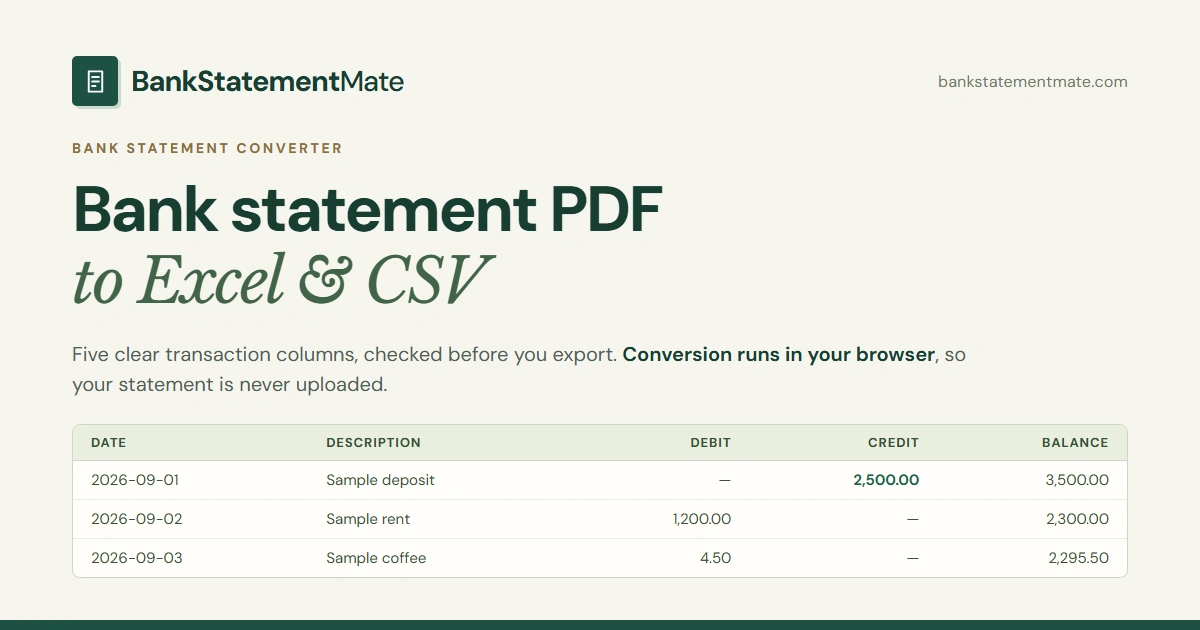
BankStatementMate is a document conversion tool designed to turn bank statement records into structured spreadsheets. Extracting tabular data from statement documents often results in merged columns, scrambled descriptions, or missing numbers. BankStatementMate solves this by extracting transaction records into dedicated columns for dates, descriptions, debits, credits, and balances.
The application takes a privacy-first approach by running entirely in your web browser. Instead of sending financial documents to a remote server, local text parsing and on-device optical character recognition handle the conversion on your hardware. Files remain on your machine, eliminating third-party document storage risks.
Rather than attempting to guess unsupported table formats, the tool enforces clear structural rules. It checks running balances, flags potential sequence issues, and stops exports when layouts are missing required columns, giving you a reliable baseline to review before saving.
Who is it for?
BankStatementMate is designed for individuals and professionals who handle financial records and need them organized in tabular formats.
- Small business owners organizing historical paper or PDF statements for tax season.
- Bookkeepers and accountants preparing clean transaction tables for reconciliations.
- Freelancers converting digital statements or scans without uploading sensitive banking records to external servers.
- Spreadsheet users who need numeric columns and standardized dates for budgeting and custom financial modeling.
Key features
- On-Device Processing: Runs text extraction and optical character recognition locally inside the browser, ensuring your private financial documents are never uploaded to a cloud server.
- Five-Column Extraction: Organizes supported transaction records into five standard columns: Date, Description, Debit, Credit, and Balance.
- Running-Balance Checks: Identifies and flags discrepancies in running balances so you can catch sequence errors or missed rows before exporting.
- Numeric Spreadsheet Outputs: Generates formatted Excel (XLSX) workbooks with numeric cell values and clean two-place decimals, as well as plain-text CSV files.
- Selective Page Conversion: Allows users to pick specific pages of multi-page PDFs to prevent duplicate transaction sections or unnecessary disclosures from exporting.
- Image and PDF Support: Handles digital PDF files along with clear scanned documents and screenshots saved in PNG or JPG formats.
How it works
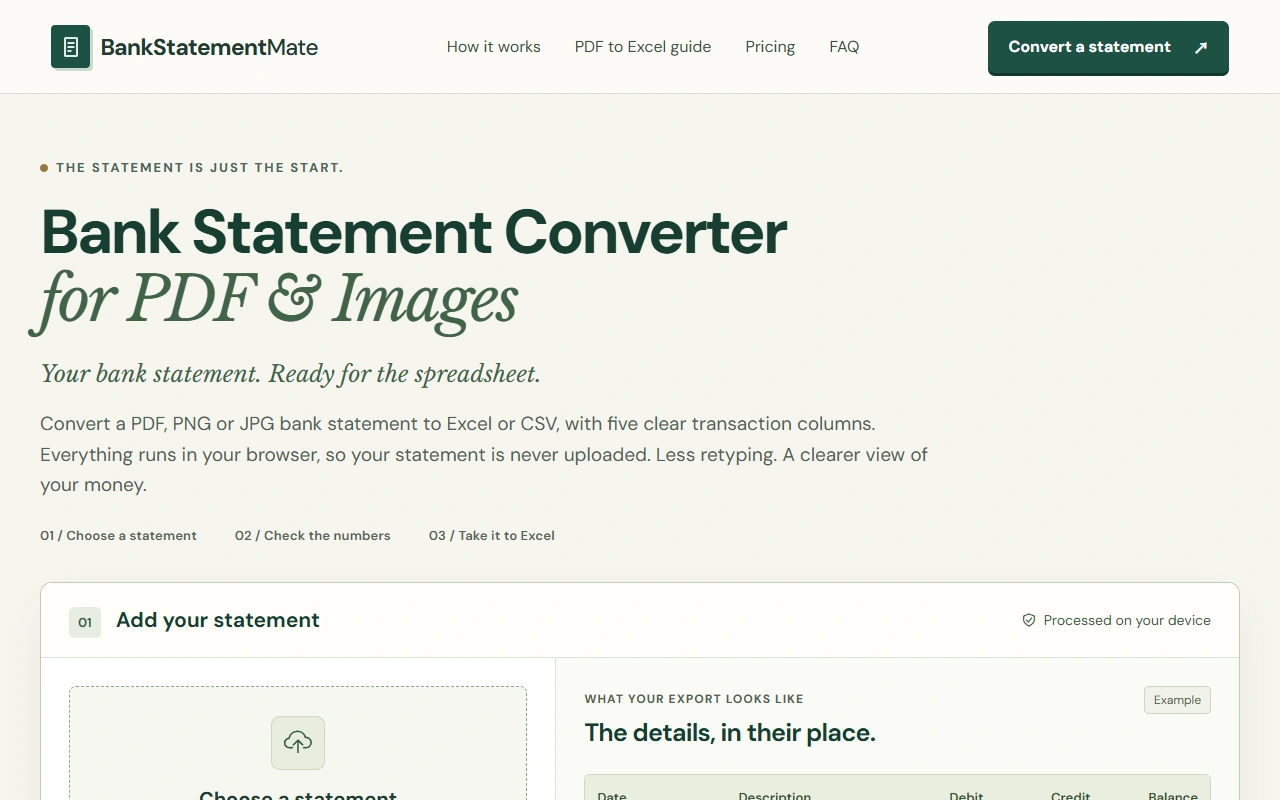
- Select or drag a digital PDF, PNG, or JPG file up to 10 MB and 5 pages into the browser tool.
- Inspect the extracted transaction table preview in your browser to verify dates, debit and credit allocations, and running balances.
- Download the parsed data as an Excel workbook or a CSV file for editing, filtering, or manual import into other software.
Use cases
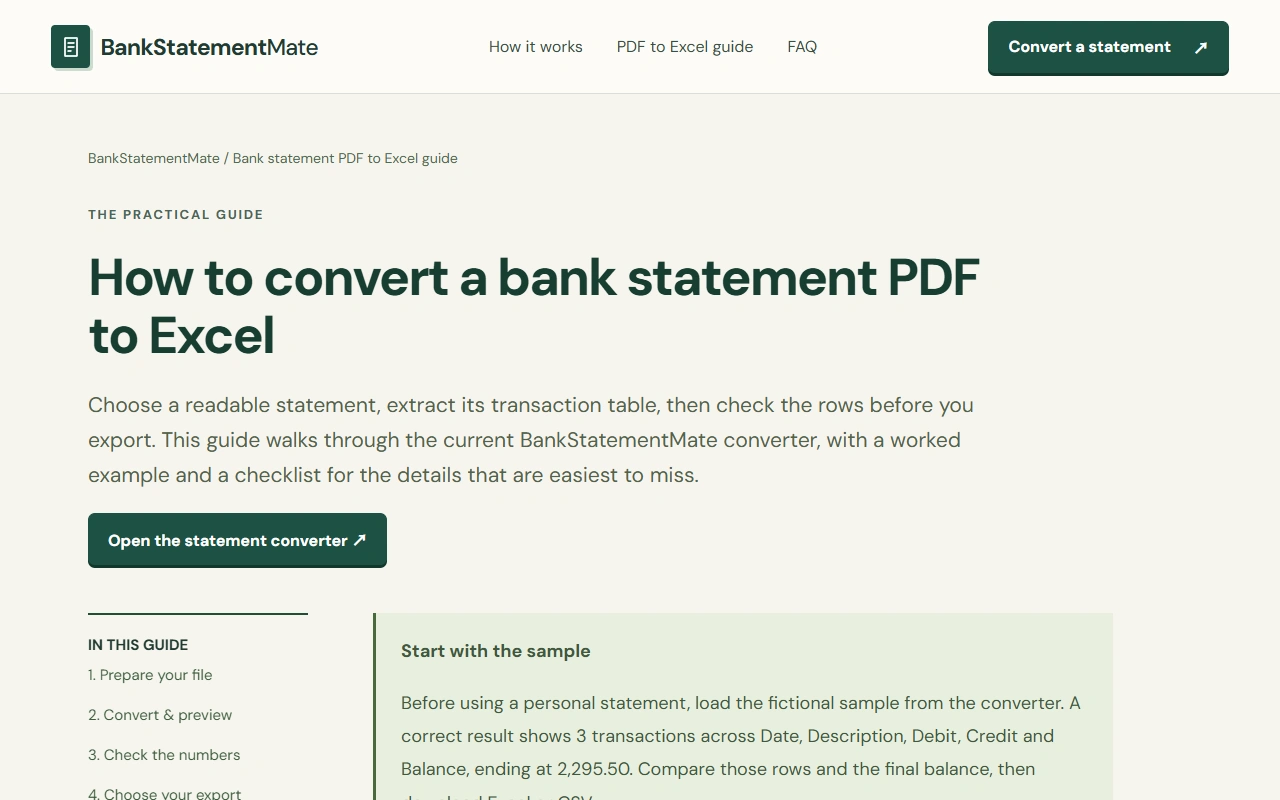
Preparing annual accounts when your financial institution only provides statements in PDF format. You can parse several statement pages directly to an Excel sheet to sort expenses, write formulas, and categorize operations.
Digitizing physical statements or photographic records using local browser OCR. Clear paper scans and images turn into five standard transaction columns without manual transcription.
Preparing transaction summaries for third-party spreadsheet imports. Teams can generate neutral CSV files from bank statements to reconcile records inside Google Sheets or offline data systems.
Pricing
BankStatementMate operates on a paid plan model with a free trial. Users receive one free successful statement conversion upon creating an account, with no credit card required. Additional capacity can be purchased as a one-time Page Pack for $17.90 covering 19 statement pages with a 365-day expiration, or via a recurring Monthly plan starting at $35.90 per month. Conversions are subject to a maximum limit of 10 MB and 5 PDF pages per file.
FAQ
Do my bank statements get uploaded to a server?
No. All text parsing and image OCR run locally inside your browser on your device. Statement files and transaction data are not stored on external servers.
What file formats can I convert?
The tool accepts digital PDFs, PNG, and JPG files up to 10 MB and up to 5 pages per file. Word documents and HEIC files are not supported.
Can I use BankStatementMate on mobile devices?
Yes, mobile browsers on smartphones and tablets can select and process PDFs, PNGs, and JPGs using local device processing.
Does it support every bank statement layout?
No. It is tuned specifically for English tables containing clear Date, Description, Debit, Credit, and Balance columns. Documents with combined amount columns or unsupported layouts will not be processed.
Loading...
Related products
View all

More categories
All categories







Launched in Week 3, 2027
See the week
Replylight
Reply to customer reviews just by highlighting them
0
Chrome Extension, AI, Customer Support
0
Chrome Extension, AI, Customer Support
67d20h26m
Launches in67days
:20hours
:26mins
:37secs

Toggle9
Free calculators that show their work.
0
Productivity, Calculator, Personal Finance
0
Productivity, Calculator, Personal Finance
67d20h26m
Launches in67days
:20hours
:26mins
:37secs
saasrouter.com
Validate your SaaS idea before you build it.
0
Startup, Marketplace, AI
0
Startup, Marketplace, AI
67d20h26m
Launches in67days
:20hours
:26mins
:37secs

TwitchStorm
Gear and PC specs of 334 pro players and streamers
0
Gaming
0
Gaming
67d20h26m
Launches in67days
:20hours
:26mins
:37secs