The Gap Between a Clean Cut and a Convincing Sound
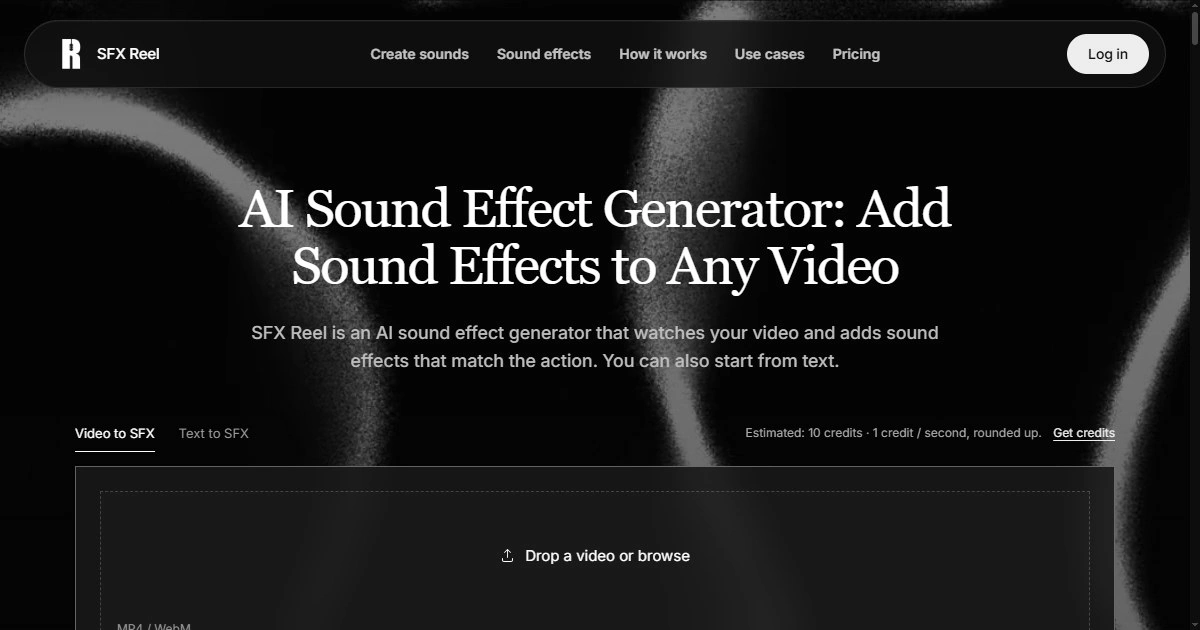
Anyone who edits video for a living knows the moment: the footage is trimmed, the dialogue is clear, the pacing works — and then you hit play and the clip feels hollow. A door closes with no thud. A cursor click makes no sound. A product demo shows a button being pressed and nothing confirms it happened. The visual story is finished, but the audio story is still missing half its sentences. Some editors now handle that gap by running the clip through a tool like SFX Reel, an AI sound effect generator built to add sound to video without disturbing the dialogue that's already in the track. It doesn't replace sound design judgment, but it removes the dead stop of searching a stock library for one footstep sound at 11 p.m.
Why This Problem Is Easy to Underestimate
Silence in a video isn't usually a mistake anyone notices while filming. It shows up later, in the edit, when the visual cut is already locked and going back for a boom mic or a foley pass isn't realistic for a solo creator or a two-person marketing team. Stock sound libraries solve part of this, but they require knowing what to search for, listening through dozens of near-misses, and manually syncing the result to the frame. For short-form content, demo videos, or weekly podcast clips, that search time adds up fast and often gets skipped entirely — which is how silent b-roll becomes normal instead of an exception.
A Workflow That Starts From What You Already Have
The practical workflow looks less like "browse a sound library" and more like "describe what's missing." According to the product page, the tool supports two entry points: video to SFX, where you upload the clip and the dialogue is preserved while sound effects are generated to match the action, and text to SFX, where you describe a sound directly when you don't have footage yet — useful for mocking up a scene or testing an idea before shooting anything. In both cases, the output isn't meant to be treated as final until you've checked it against the original. That's the part worth building into any workflow rather than skipping.
For a creator working on a product walkthrough, a realistic sequence looks like this: cut the video as usual, leave gaps where interactions happen without sound, then generate sound effects for those specific moments instead of the whole timeline. For a podcaster building a trailer, the text to SFX path is more useful than cutting B-roll with no base — you can request a sound for a transition or an ambient layer and build the mix around it rather than hunting for the one license-cleared clip in the right mood.
The Review Step That Actually Matters
This is the part that separates a usable workflow from a risky one. According to the product page, the generated result is meant to be previewed next to the original clip before anything gets downloaded — if the sound doesn't match the action or the tone is off, the prompt gets adjusted and the generation runs again. Treating this as optional is how mismatched audio ends up in a final export: a sound effect that's slightly late, too loud against dialogue, or tonally wrong for the scene. Listening in context, not in isolation, is the only reliable way to catch that before publishing. It's also worth noting what this step doesn't guarantee — it won't tell you if a sound is legally distinct enough for commercial use or match a specific brand's audio identity, so creative judgment still has the final say.
One more practical note from the product page: there's no recurring subscription required to use it, which matters for creators testing whether AI-generated sound effects fit their workflow at all before committing to using them regularly. For a team already paying for stock audio licenses, that's a meaningful difference in how you evaluate the trade-off.
If silent b-roll or unsynced effects have become a recurring problem in your edit queue, it's worth running one clip through this kind of workflow end to end — generate, preview against the original, adjust once, and judge the result on your own footage rather than a demo reel. That's a more honest test than any feature list.